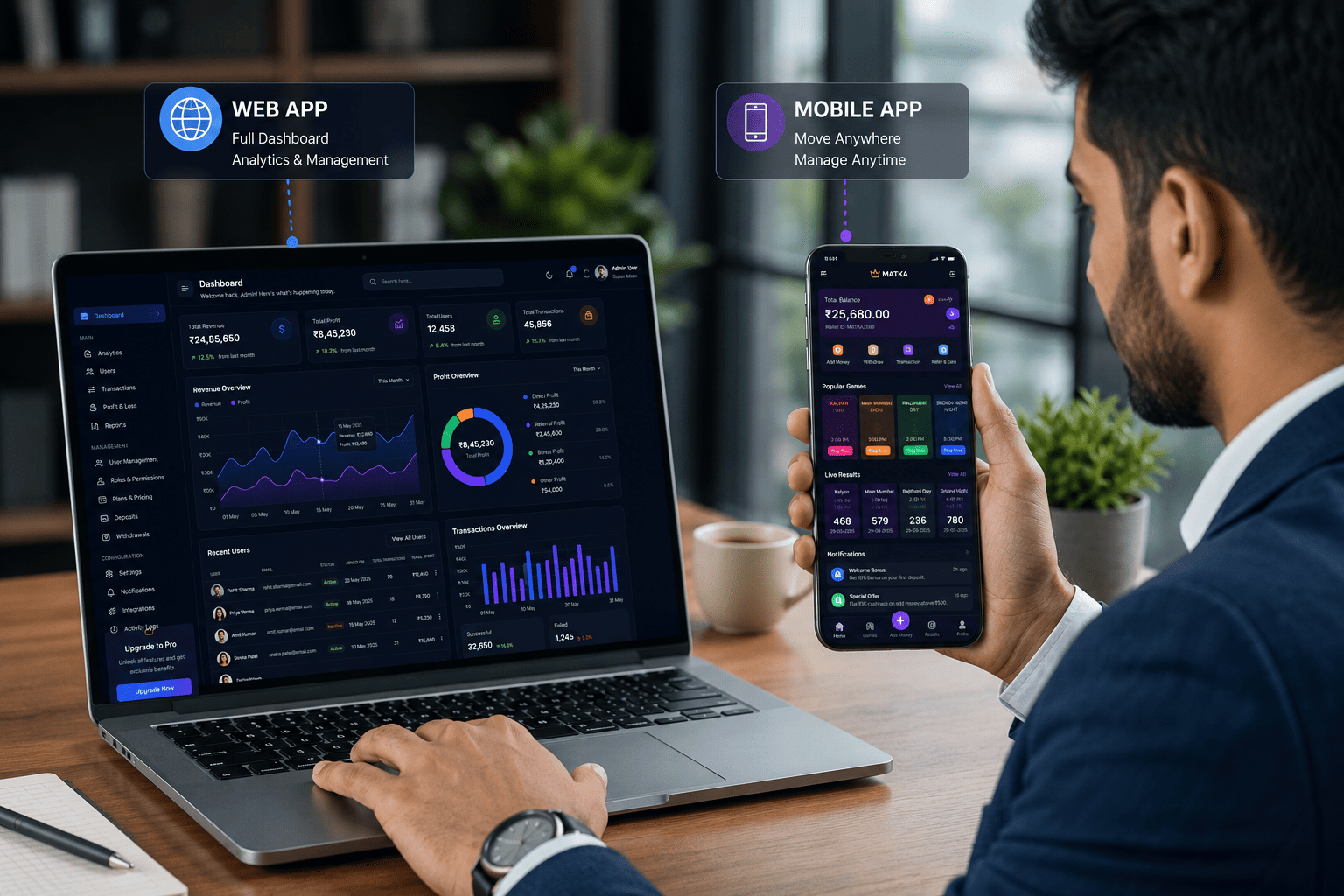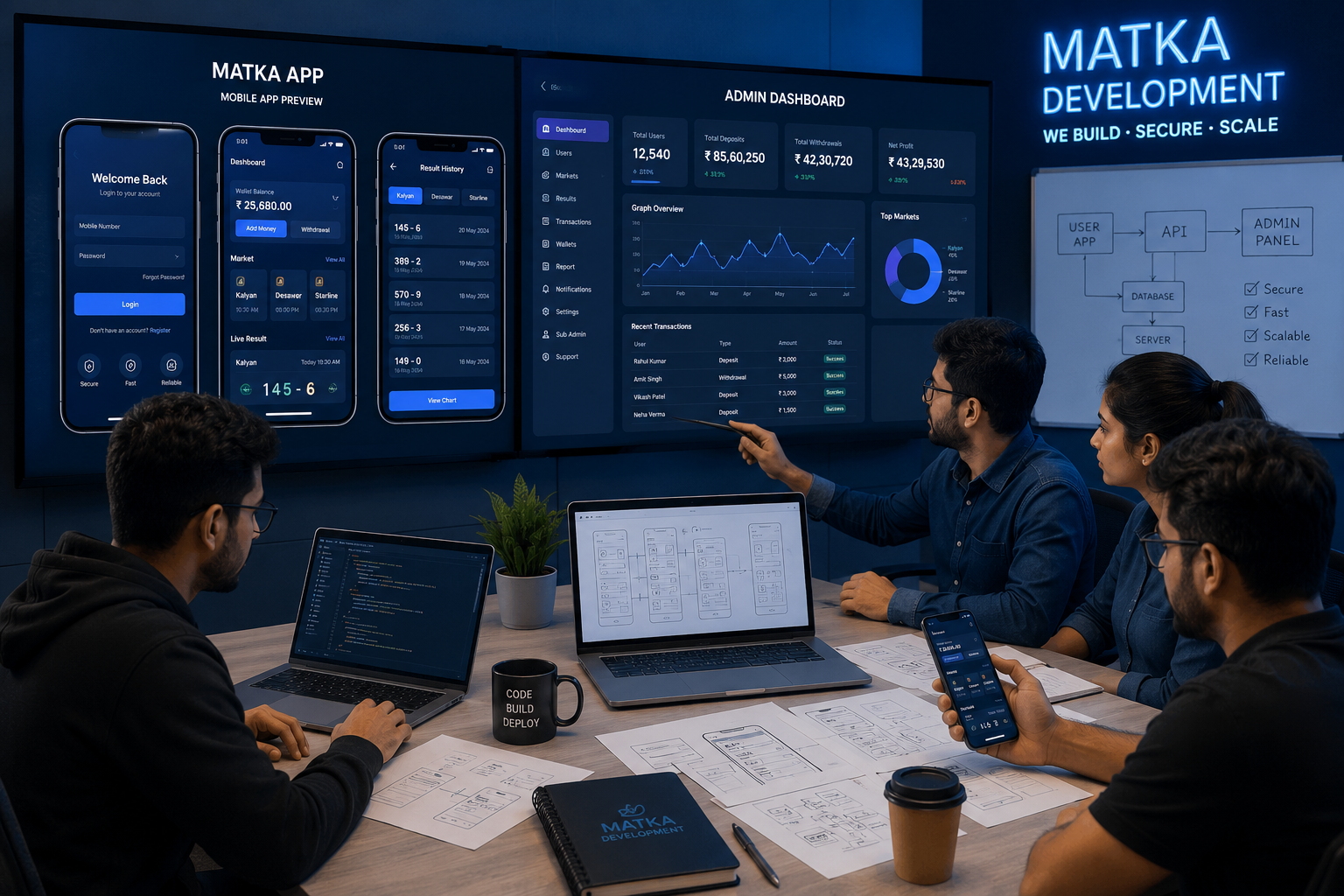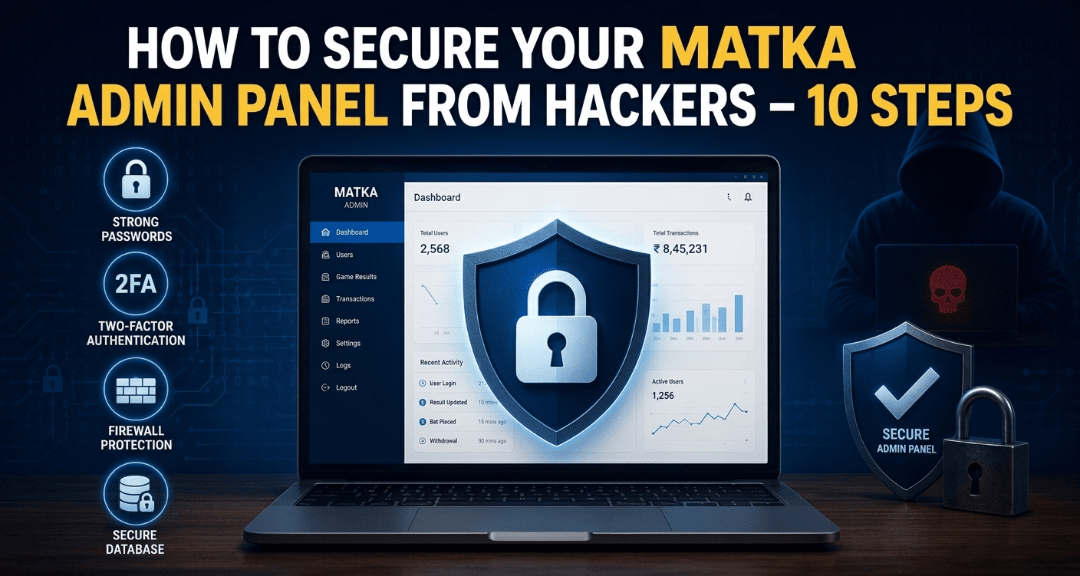
Let’s be real for a second. If you run a Matka app or website, your admin panel is like the main control room of a building. If someone breaks in, they can change game results, steal user wallets, mess with profit/loss data, or even shut down your entire operation. And trust me, I’ve seen it happen to others.
At Matka Development, we’ve built over 50+ custom Matka apps and admin panels (mostly on Laravel). We’ve learned the hard way what works and what doesn’t. So here are 10 real steps to keep your admin panel safe from hackers. No fluff.
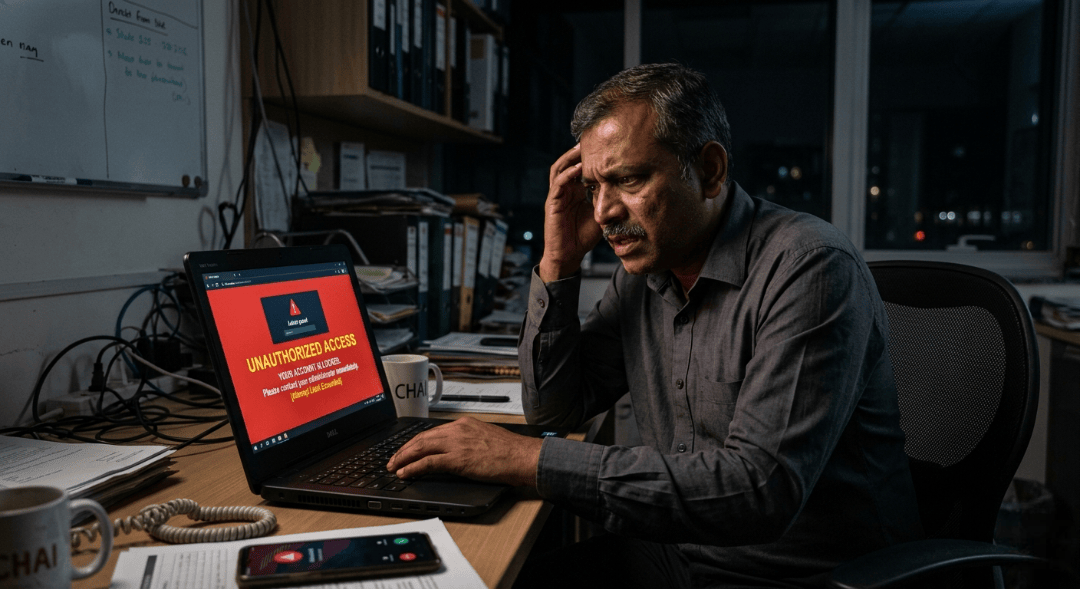
1. Use a Strong, Unique Login URL (Not the Default One)
Most hackers use bots to scan for common admin paths like /admin, /login, or /administrator. If you keep the default URL, you’re basically inviting them.
What to do:
Change your admin login URL to something unpredictable. Example: instead of yourdomain.com/admin, use yourdomain.com/9x#kLP@admin2. You can easily do this in Laravel by renaming your route file or using a middleware.
Pro tip from our team: We always set a custom route for our clients. It sounds simple, but it stops 70% of automated attacks instantly.
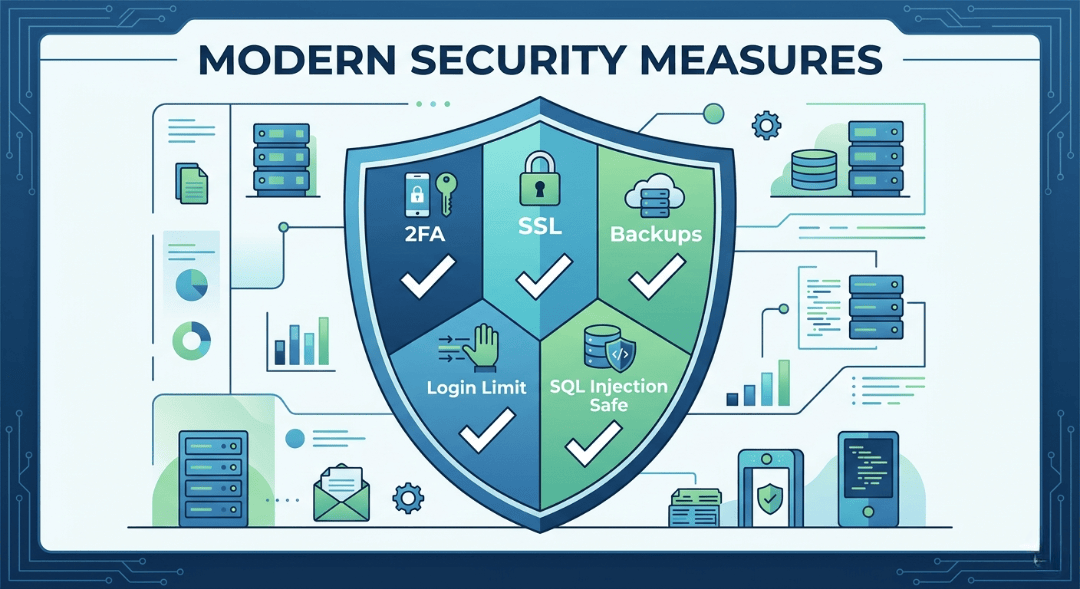
2. Enable Two-Factor Authentication (2FA) for Every Admin User
I cannot stress this enough. Passwords get leaked. People use "admin123" (yes, still). 2FA adds a second layer—usually a code from Google Authenticator or SMS.
How to implement:
In Laravel, packages like Laravel Fortify or Google2FA make this super easy. Force all sub-admins and super admins to enable 2FA before they can even see the dashboard.
We made 2FA mandatory in all our matka admin panels after one of our clients’ sub-admins reused his Gmail password. Nearly lost ₹12 lakhs in user balance. Never again.
3. Keep Laravel and All Dependencies Updated
Old versions = known vulnerabilities. Hackers maintain databases of exploits for older Laravel versions, PHP versions, and npm packages.
Checklist:
Run composer update regularly
Update to the latest Laravel version (we use v10 or v11 for new projects)
Update PHP to 8.1 or above
I know updates feel annoying because sometimes things break. But trust me, a hacked panel is 100x more painful.
4. Limit Login Attempts & Add CAPTCHA
Brute force attacks are when a bot tries thousands of password combinations. Without protection, they will eventually crack weak passwords.
Solutions:
Use Laravel’s built-in throttle middleware
Add Google reCAPTCHA v3 on the login page
Lock the account for 15 minutes after 5 failed attempts
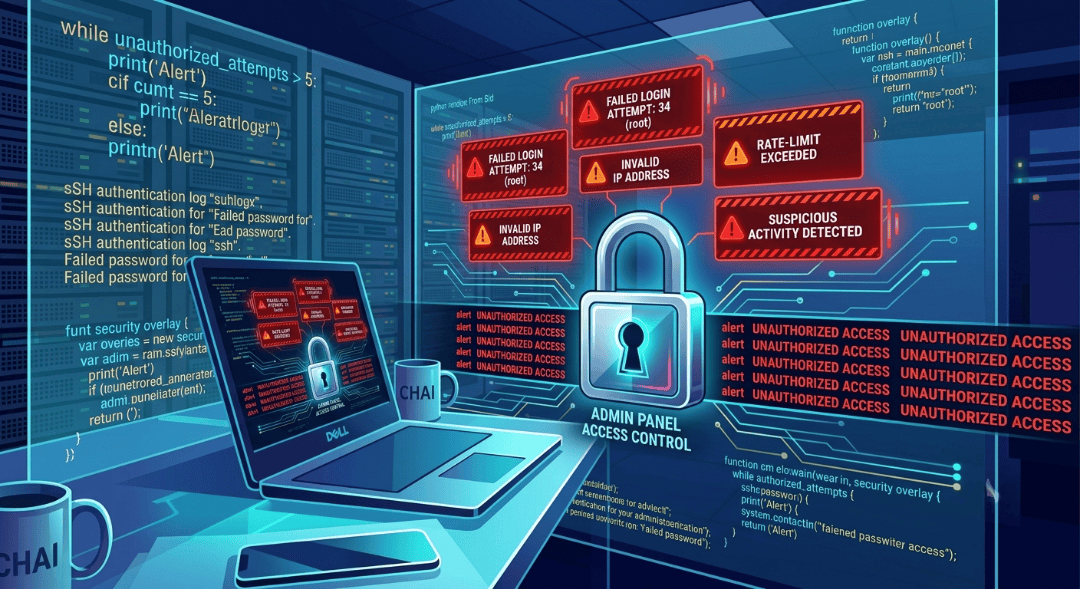
We added this to all our matka apps after a client’s panel got 5000+ login attempts in one night. The lockout saved him.
5. Use Prepared Queries or Eloquent ORM (No Raw Queries)
This is a big one. SQL injection happens when hackers type malicious SQL code into input fields. If your panel runs raw queries, they can delete entire tables.
What we do at Matka Development:
We always use Laravel’s Eloquent ORM or query builder. It automatically escapes dangerous characters. Never write something like:
DB::select("SELECT * FROM users WHERE id=" . $_GET['id']);
Instead use:
User::where('id', $request->id)->get();
Safe and clean.
6. Encrypt All Sensitive Data
Your admin panel stores payment gateway keys, user phone numbers, withdrawal details, and maybe even UPI IDs. Never store them as plain text.
In Laravel:
Use the Crypt facade or encrypt() helper. For database fields, use mutators.
Also, always use HTTPS with a valid SSL certificate. No SSL = hackers can sniff traffic on the same WiFi network.
We provide free SSL + domain name with our matka app packages for this very reason.
7. Regularly Back Up Your Database (and Test Restores)
This isn’t directly “prevention,” but it’s damage control. If a hacker somehow wipes your data, a fresh backup saves your business.
Best practice:
Automated daily backups (use Laravel backup package)
Store backups in a separate server or cloud (not on the same machine)
Test restoring a backup once a month
One of our clients in Delhi ignored backups for 6 months. Got hacked through a leaked sub-admin account. Lost all game history, user balances, everything. He had to manually refund 200+ users. Painful.
8. Set Proper File and Folder Permissions
Many hacks happen because someone uploads a malicious PHP file via an unprotected upload form and then executes it.
What to do:
Set storage/ and bootstrap/cache/ to 755 (not 777)
Disable script execution in upload directories
In Laravel, never let users upload .php, .phtml, or .htaccess files
We added a simple file type validation in our Matka admin panel’s notice board and banner upload features. Only images allowed.
9. Monitor Admin Logs & Set Alerts
You should know who logged in, from which IP, and what they did. If someone from a new location logs in at 3 AM, you want to know immediately.
How we do it:
Log all admin logins, logouts, and critical actions (change result, update game rate, withdraw approval)
Send an email or SMS alert to the super admin on new device login
Use Laravel’s native logging or packages like spatie/laravel-activitylog
We once caught a hacker trying to change Kalyan's opening result using a stolen sub-admin account. The alert went off within 2 minutes. We blocked the IP and changed the password instantly.
10. Run Regular Security Scans & Hire a Pen Tester
Last but not least. No matter how careful you are, you might miss something. Automated tools and professional hackers (ethical ones) can find holes you never knew existed.
Free/paid tools:
Laravel Debug mode check (never keep APP_DEBUG=true in production)
Use Laravel/Telescope for monitoring
Run php artisan security: check (using enlightn/security-checker)
If your matka app handles large daily transactions (₹1 lakh+), invest ₹10k-15k in a penetration test once a year. Best money you’ll spend.
Bonus Advice from Matka Development
Look, I’m not going to pretend we are perfect. We’ve made mistakes too. But over the last few years of building custom matka apps, admin panels, and SEO-friendly result websites for clients across Delhi, NCR, and all over India, we’ve realized one thing:
Security is not a one-time setup. It’s a daily habit.
Even if you follow all 10 steps, keep checking your logs, update your passwords every 2-3 months, and never share your admin URL on WhatsApp groups (you’d be surprised how many people do this).
Why Choose Matka Development for Your Matka Admin Panel?
We are based in Delhi, India, and we specialize in:
Matka app & software (Android + web)
Custom matka app development
Matka admin panel Laravel-based, secure by default)
SEO-friendly result websites with a live result system, game history charts, bid history, funds history, and transaction history.
Payment gateway integration, support system, notification system, invite & earn, game rates, notice board
Sub-admin system, profit/loss view, market management, and more
Every panel we deliver already has 90% of these security steps pre-configured. Because we don’t want our clients to wake up to a hacked panel.
Need a secure matka admin panel or a custom matka app?
Visit matkadevelopment.com or contact our team in Delhi. We’ll show you a live demo of our latest admin panel with all security features included.
Stay safe, and happy matka business!
Read next on the blog
- Why Delhi is the Hub for Matka App Development Companies. Jul 15, 2026
- Kalyan Matka App Development Guide 2026 – Features, APIs & Security Tips Jul 11, 2026
- Top 5 Matka Software Providers in India with Admin Panel Support Jun 18, 2026
- Best Matka App Development Company in Delhi – 2026 List Jun 3, 2026
- Trusted Matka Development Company in Delhi – 2026 Guide May 18, 2026
- How Does a Matka App Work? What Are the Features of a Matka App? – Full Guide May 18, 2026