How to Build a Custom Matka App from Scratch – Complete Development Guide
Building a modern custom Matka app is much more than designing a few screens. A professional application requires secure architecture, a powerful admin panel, real-time result integration, payment systems, user management, notifications, and a scalable backend capable of handling thousands of users.
Whether you're planning to launch a new gaming platform or looking to upgrade an existing application, understanding the complete development process can save both time and money.
In this guide, we'll explain every important stage involved in building a custom Matka application from scratch, from planning and UI design to backend development, deployment, and long-term maintenance.
Why Choose a Custom Matka App?
Many businesses start with ready-made scripts because they seem affordable.
However, as the business grows, limitations quickly become visible.
A custom-built application gives complete control over:
- User experience
- Security
- Branding
- Features
- Performance
- Scalability
- Future updates
Instead of adjusting your business around software limitations, custom development allows the software to match your exact requirements.
Although the initial investment may be slightly higher, it usually saves money in the long run.
Step 1: Planning Your Project
Every successful software project begins with proper planning.
Before writing a single line of code, define:
- Business goals
- Target audience
- Required features
- Admin requirements
- Mobile platforms
- Technology stack
- Security requirements
- Future expansion plans
Skipping this phase often creates problems later during development.
Step 2: Designing the User Interface
The first impression of any app comes from its design.
A clean interface helps users easily navigate through different sections.
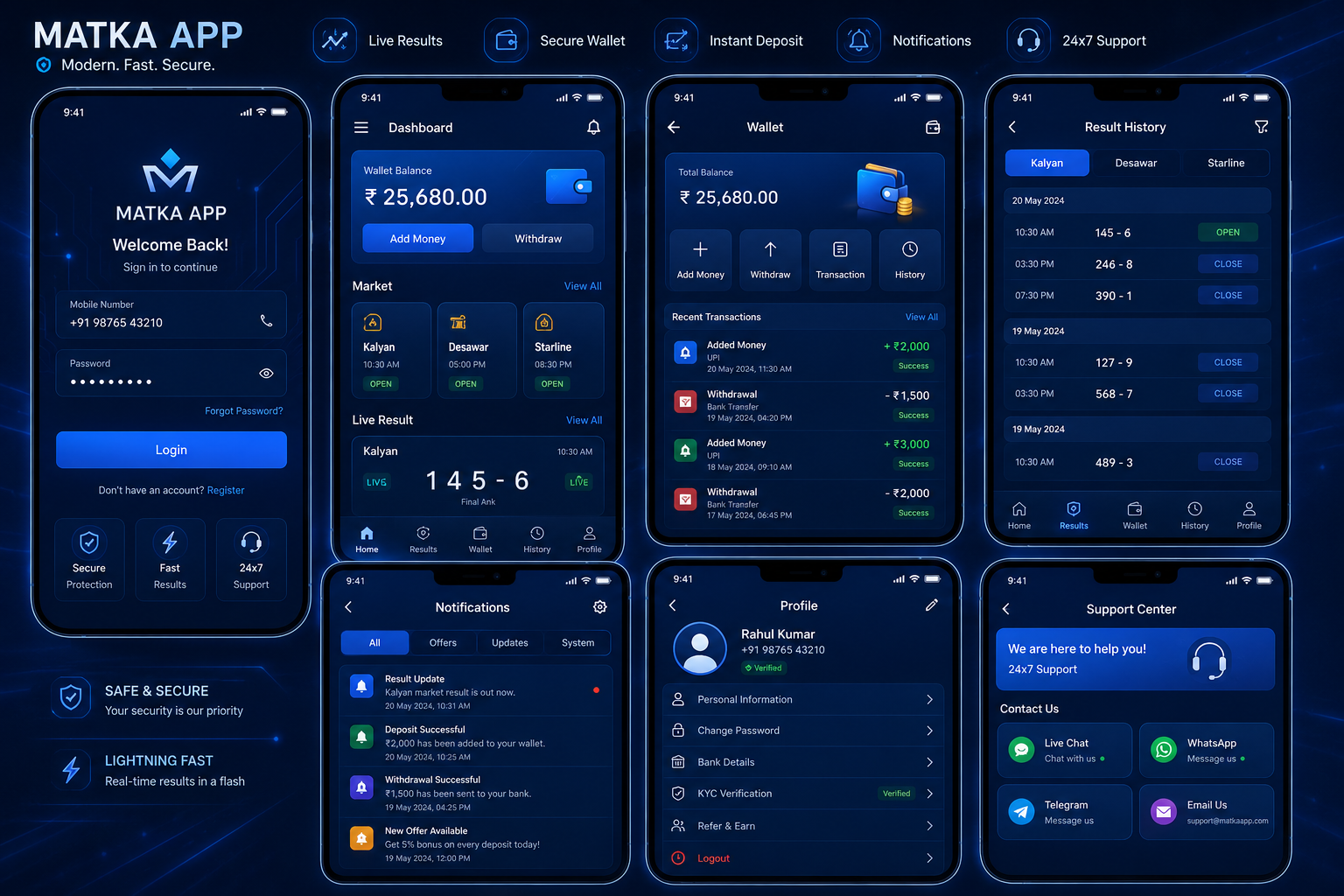
Important screens generally include:
- Login & Registration
- Home Dashboard
- Wallet
- Market List
- Result Section
- History
- Notifications
- Profile
- Support Center
A modern UI should feel simple, responsive and easy to use.
Many users leave apps because of confusing layouts, so design matters a lot.
Step 3: Choosing the Right Technology Stack
The technology behind your application determines its speed and reliability.
A common development stack includes:
Mobile Application
- Flutter
- Kotlin
- Swift
Backend
- Laravel
- Node.js
Database
- MySQL
- PostgreSQL
Cloud Hosting
- AWS
- DigitalOcean
- Google Cloud
Using modern technologies ensures better performance and easier future upgrades.
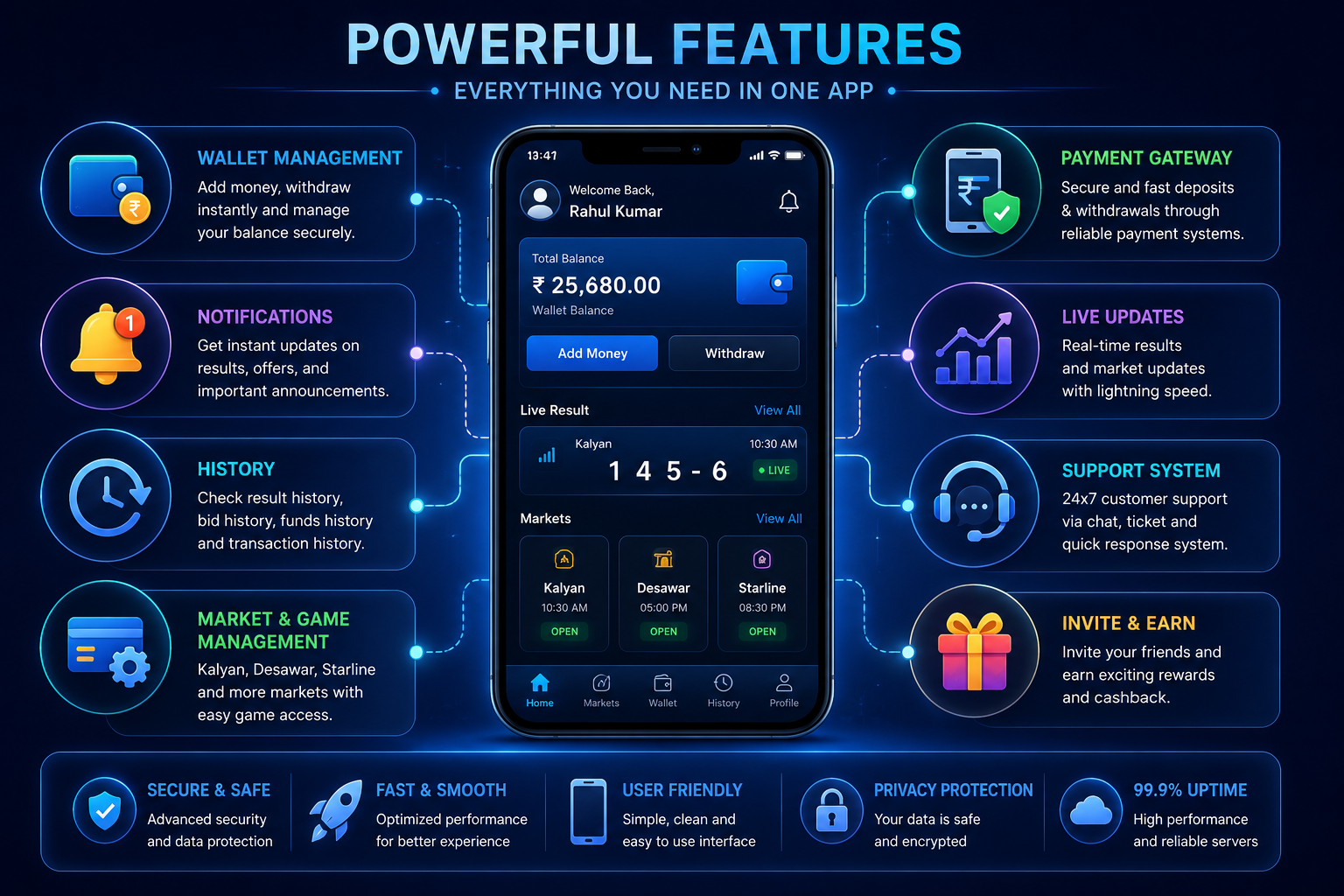
Step 4: Core Features of a Custom Matka App
A professional application should include all the essential features users expect.
Some of the most important modules are:
User Registration
Simple sign-up with secure authentication.
Wallet Management
Users should be able to manage balances securely.
Payment Gateway Integration
Reliable payment gateway integration allows smooth deposits and withdrawals according to the application's supported payment workflows.
Live Result System
A real-time result display system improves the overall user experience.
Result History
Previous results should remain easily accessible.
Bid History
Users can review their activity whenever required.
Transaction History
Complete records improve transparency.
Notifications
Push notifications keep users informed about important updates.
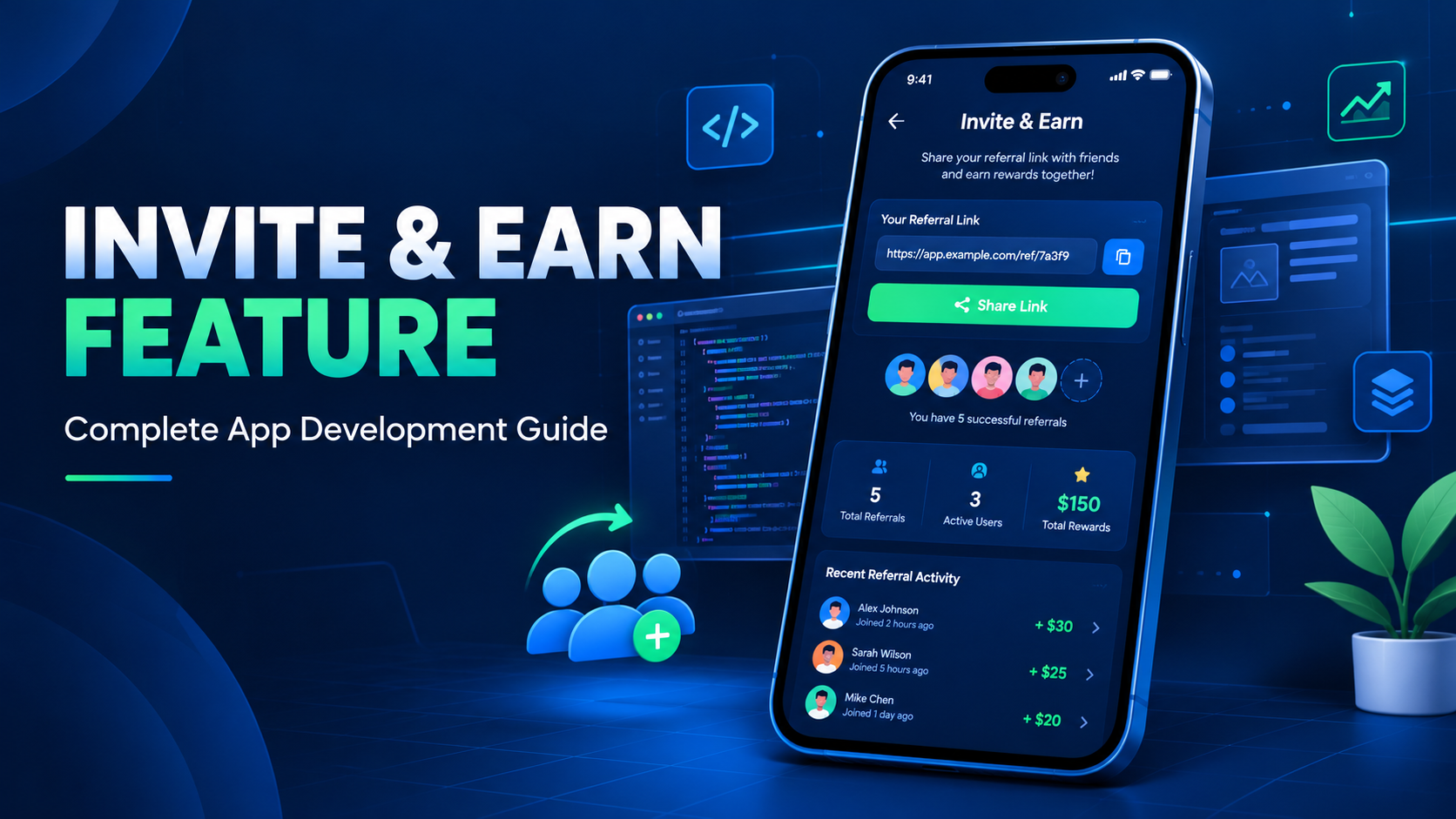
Invite & Earn
Referral modules can help improve user engagement.
Notice Board
Announcements and updates can be displayed inside the application.
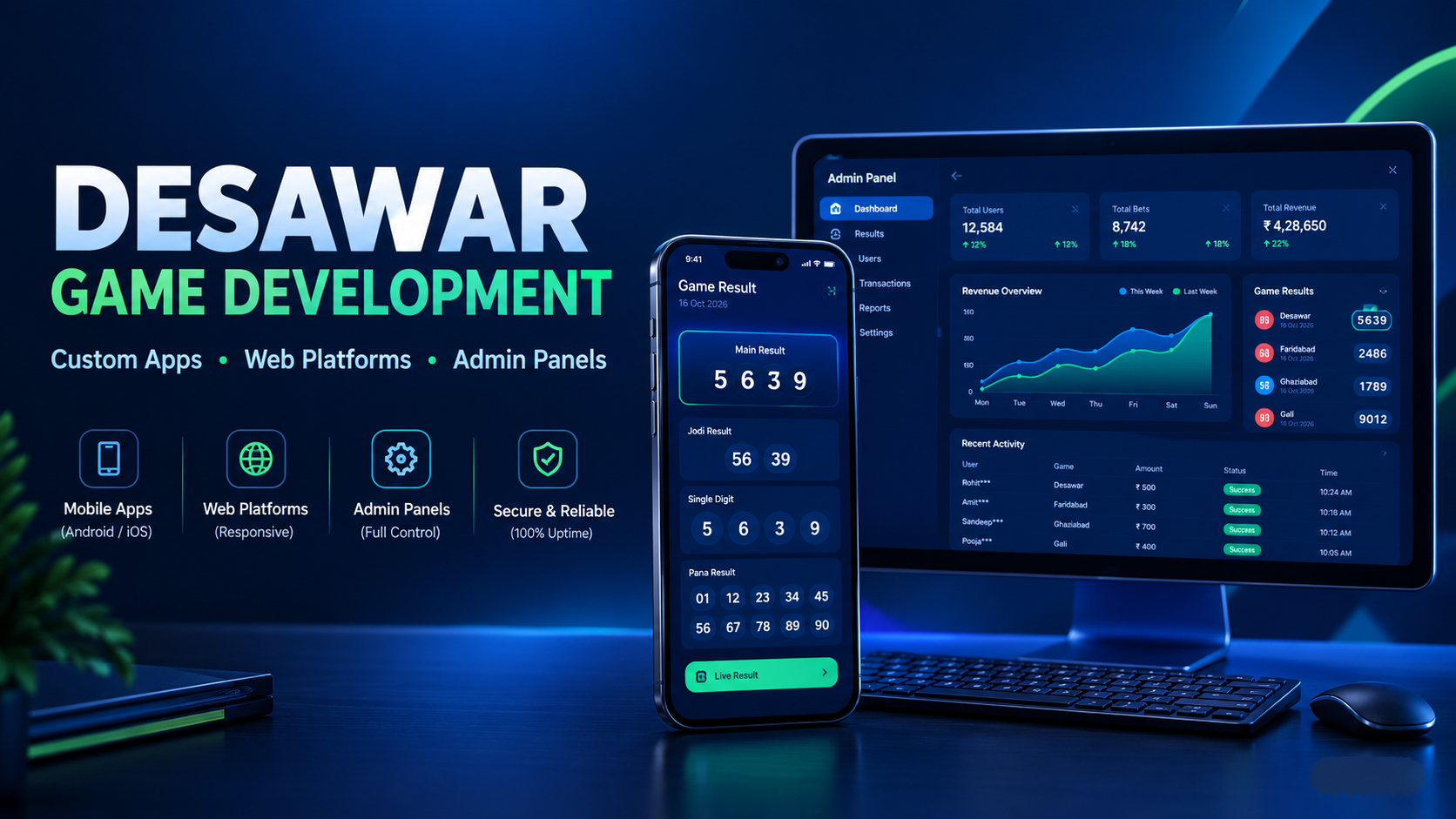
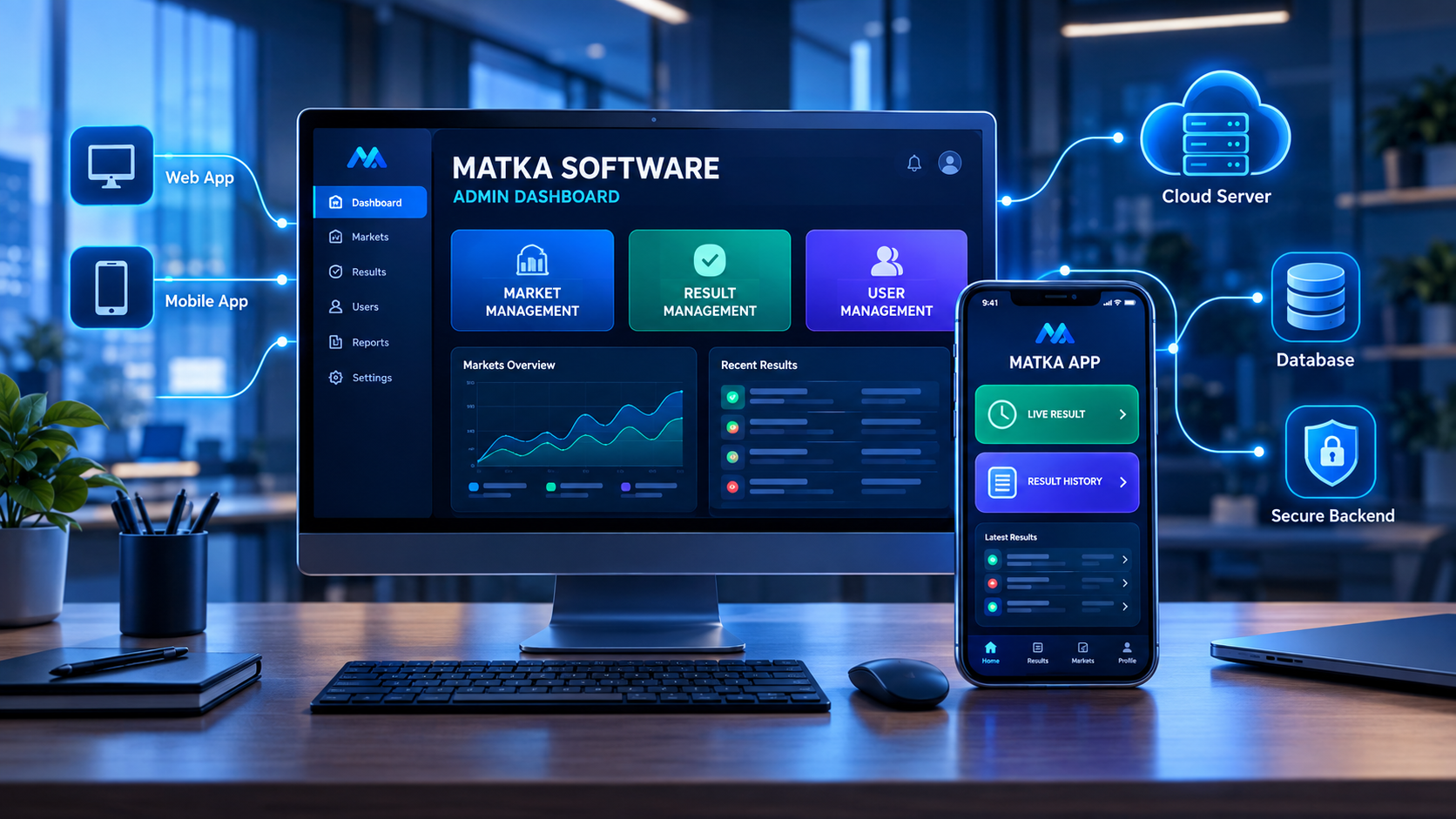
Step 5: Building a Powerful Admin Panel
The admin panel acts as the control center of the entire application.
A professionally developed admin dashboard usually includes:
- Secure Login
- Dashboard Analytics
- User Management
- Market Management
- Profit & Loss Reports
- Notification System
- Content Management
- Payment Management
- Reports
- App Settings
- Sub Admin Management
- Security Logs
A good admin panel reduces manual work and makes daily operations much easier.
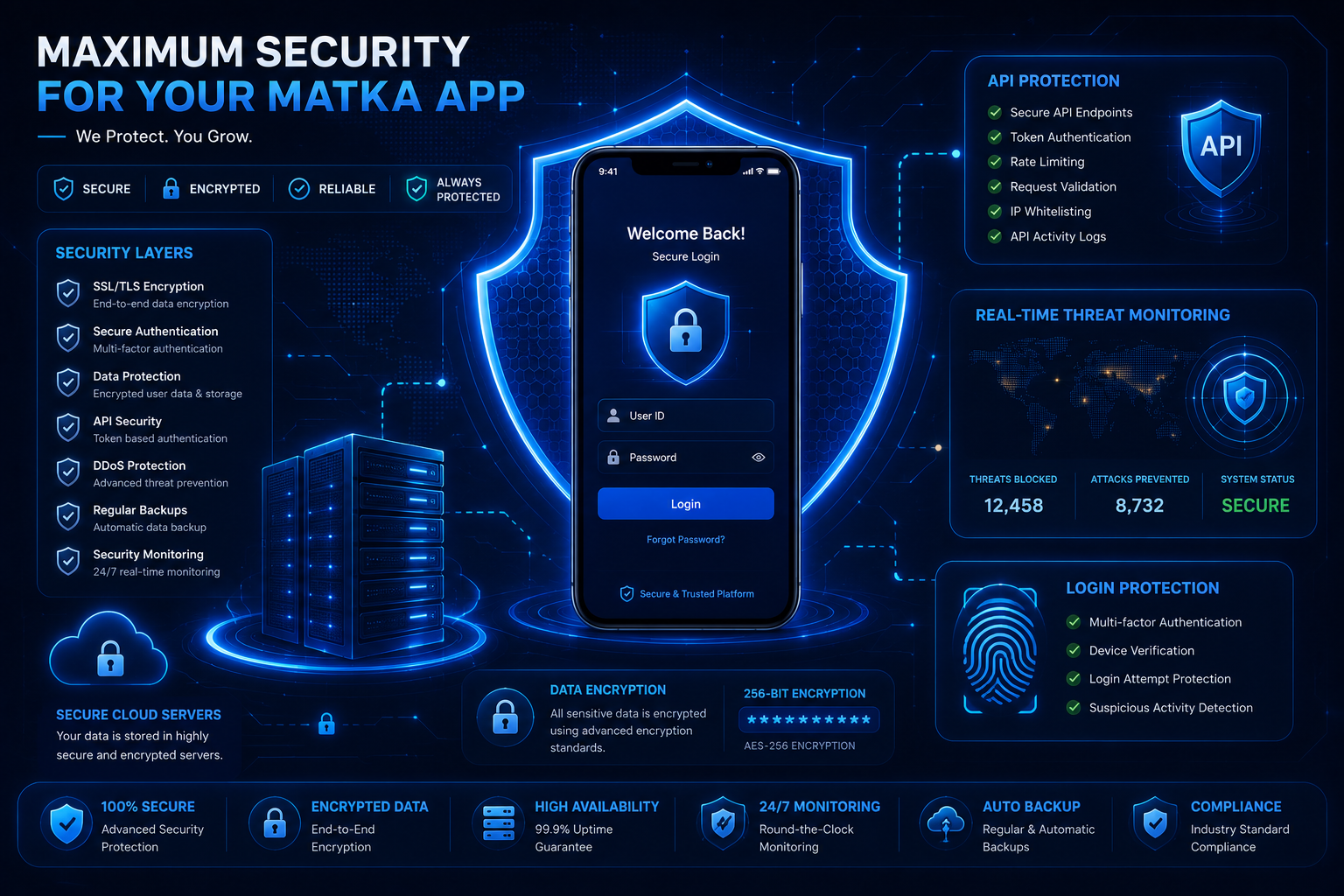
Step 6: Security Should Never Be Ignored
Security is one of the most important parts of software development.
Modern applications should implement:
- SSL Encryption
- Secure Authentication
- Password Hashing
- Role-Based Access
- API Authentication
- Input Validation
- SQL Injection Protection
- CSRF Protection
- Rate Limiting
- Secure File Storage
Ignoring security can become very costly later.
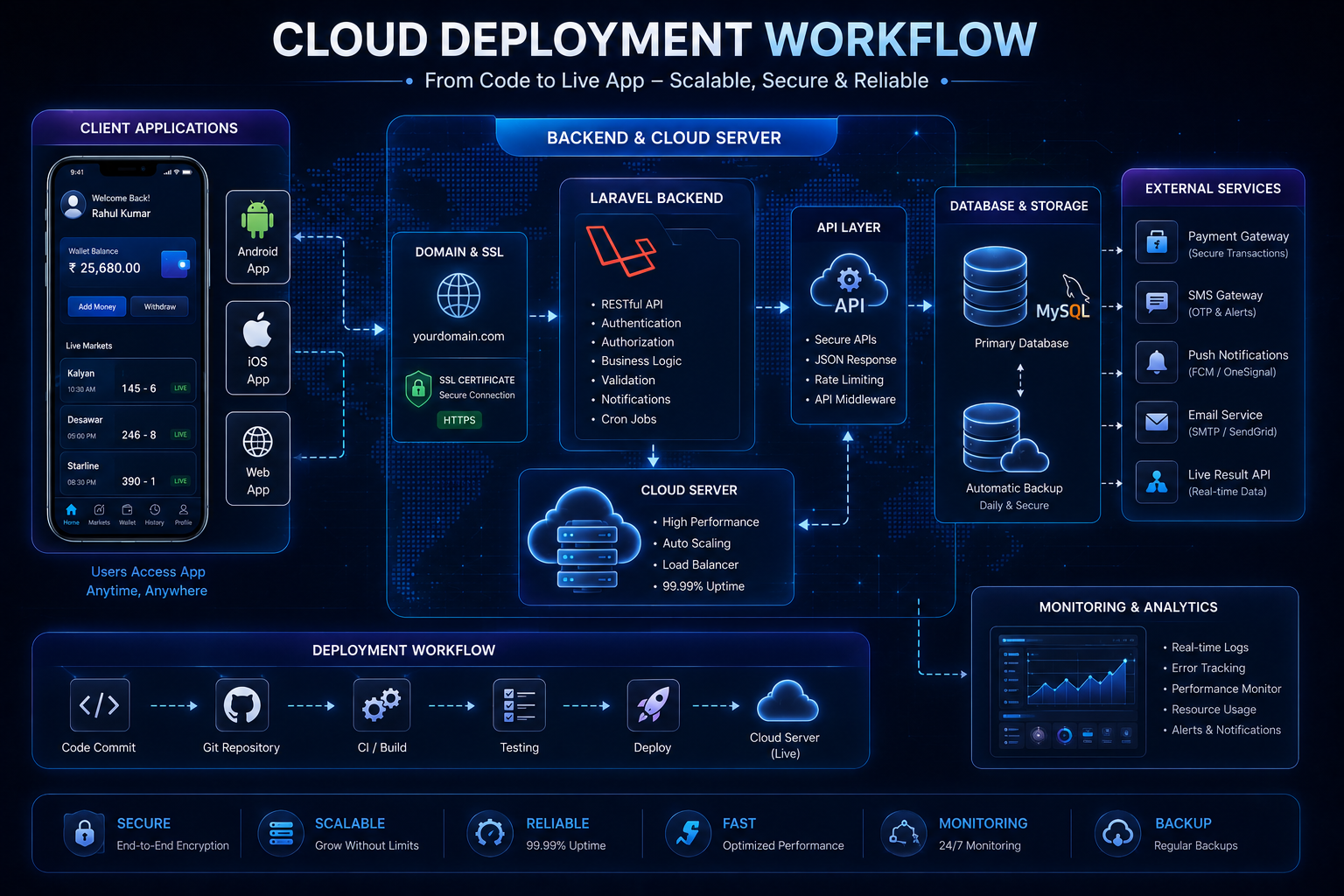
Step 7: API Integration
Most modern applications rely on APIs for different functionalities.
Common integrations include:
- Authentication APIs
- Notification APIs
- Payment APIs
- SMS APIs
- Email APIs
- Live Result APIs
- Analytics APIs
Proper API architecture keeps the application modular and easier to maintain.
Step 8: Testing Before Launch
Testing is often underestimated.
Before launching, every module should be tested carefully.
Testing includes:
- Functional Testing
- UI Testing
- Performance Testing
- Security Testing
- Load Testing
- API Testing
- Mobile Device Testing
Fixing bugs before launch creates a much better experience for users.
Step 9: Deployment
Once testing is complete, the application can be deployed.
Deployment usually includes:
- Mobile App Build
- Backend Server Setup
- SSL Installation
- Database Configuration
- Domain Setup
- Backup System
- Monitoring Tools
A smooth deployment ensures everything runs correctly from day one.
Step 10: Website Development
A professional website helps businesses establish an online presence.
An SEO-friendly website can include:
- Home Page
- About Us
- Features
- Screenshots
- Pricing
- Blog
- FAQ
- Contact Page
Publishing useful articles regularly can improve search engine visibility over time.
Why an SEO-Friendly Website Matters
Many businesses focus only on mobile applications.
However, websites generate valuable organic traffic through search engines.
Benefits include:
- More visibility
- Better branding
- Higher trust
- Long-term traffic
- Lead generation
- Faster indexing
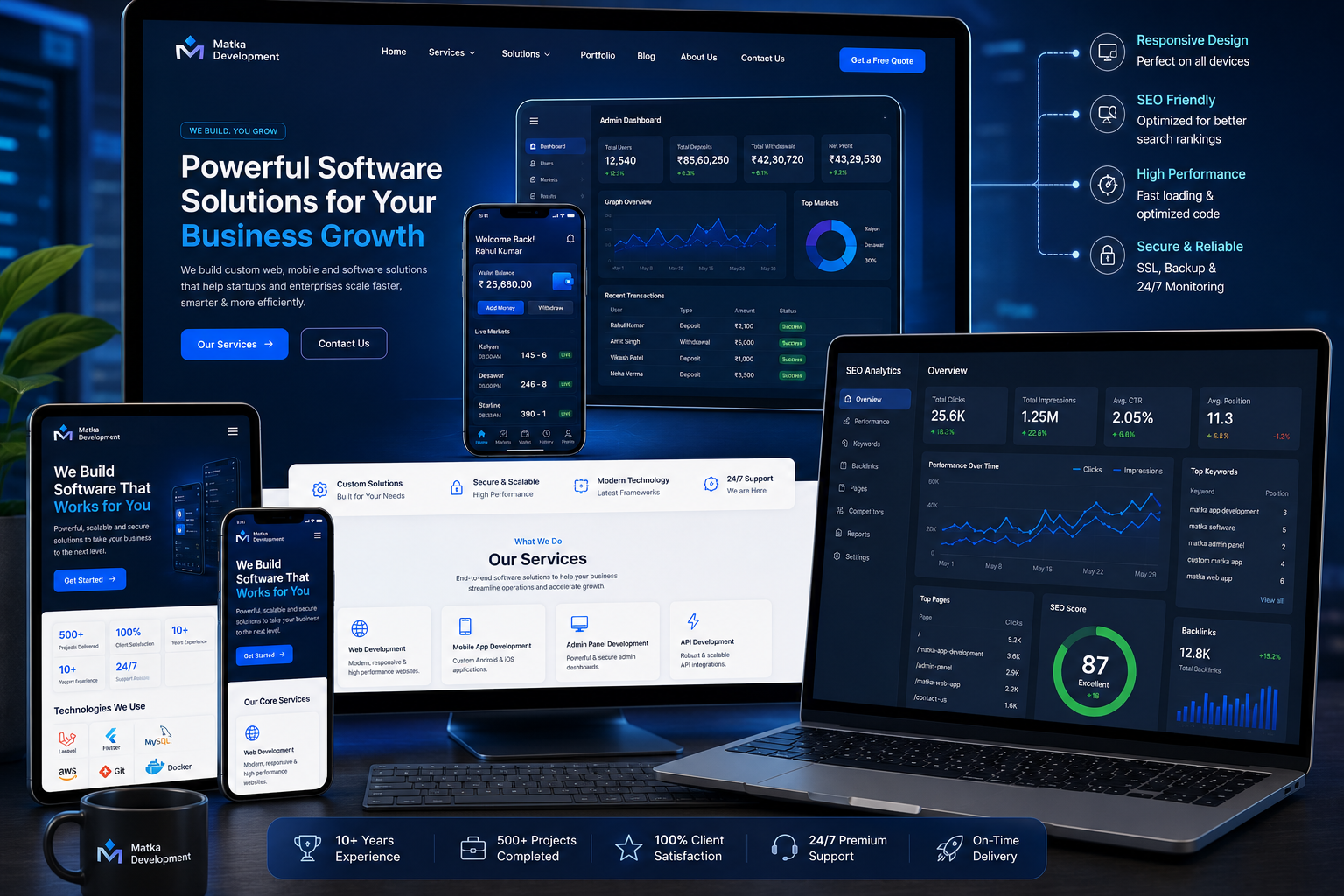
Good SEO takes time but provides long-term value.
Ongoing Maintenance
Launching the application is only the beginning.
Regular maintenance includes:
- Security updates
- Performance optimization
- Bug fixing
- Feature improvements
- Database optimization
- Backup monitoring
- API updates
Keeping software updated ensures better stability and long-term reliability.
Choosing the Right Development Company
Before selecting a software development company, consider:
- Experience
- Portfolio
- Technology expertise
- Security standards
- Custom development capability
- Support services
- Maintenance plans
- UI/UX quality
- Communication
- Delivery timeline
Choosing an experienced development partner can significantly improve the quality of your final product.
Final Thoughts
Building a custom Matka application from scratch requires careful planning, experienced developers, secure architecture, and ongoing maintenance. A professionally developed solution offers greater flexibility, improved security, better scalability, and a smoother user experience compared to generic scripts.
By investing in modern technologies, a feature-rich admin panel, responsive mobile design, and an SEO-friendly website, businesses can create a strong digital platform that is easier to manage and maintain over time.
Frequently Asked Questions (FAQs)
How long does it take to build a custom Matka app?
Development time depends on project complexity, required features, design, integrations, and testing.
Which technology is best for backend development?
Laravel and Node.js are commonly used for building scalable backend systems.
Why is an admin panel important?
An admin panel allows administrators to manage users, settings, reports, notifications, and other operational tasks efficiently.
Why should security be a priority?
Strong security practices help protect user accounts, application data, and backend infrastructure from unauthorized access.
Does an SEO-friendly website help?
Yes. An SEO-optimized website can improve search visibility, increase organic traffic, and strengthen your online presence.
Read next on the blog
- Desawar & Starline Game Integration in Custom Matka Software Sep 17, 2026
- Satta Matka App Development & Matka Software Development 2026 Sep 11, 2026
- Secure User Notification System in Gaming Apps – Why It Matters Sep 5, 2026
- Automatic Deposit & Withdrawal System for Matka Apps – How It Works Aug 26, 2026
- How to Secure Your Matka Admin Panel from Hackers – 10 Essential Steps Aug 20, 2026
- Cost to Develop a Matka App in India (App + Panel + Website) – 2026 Guide Aug 8, 2026