Introduction
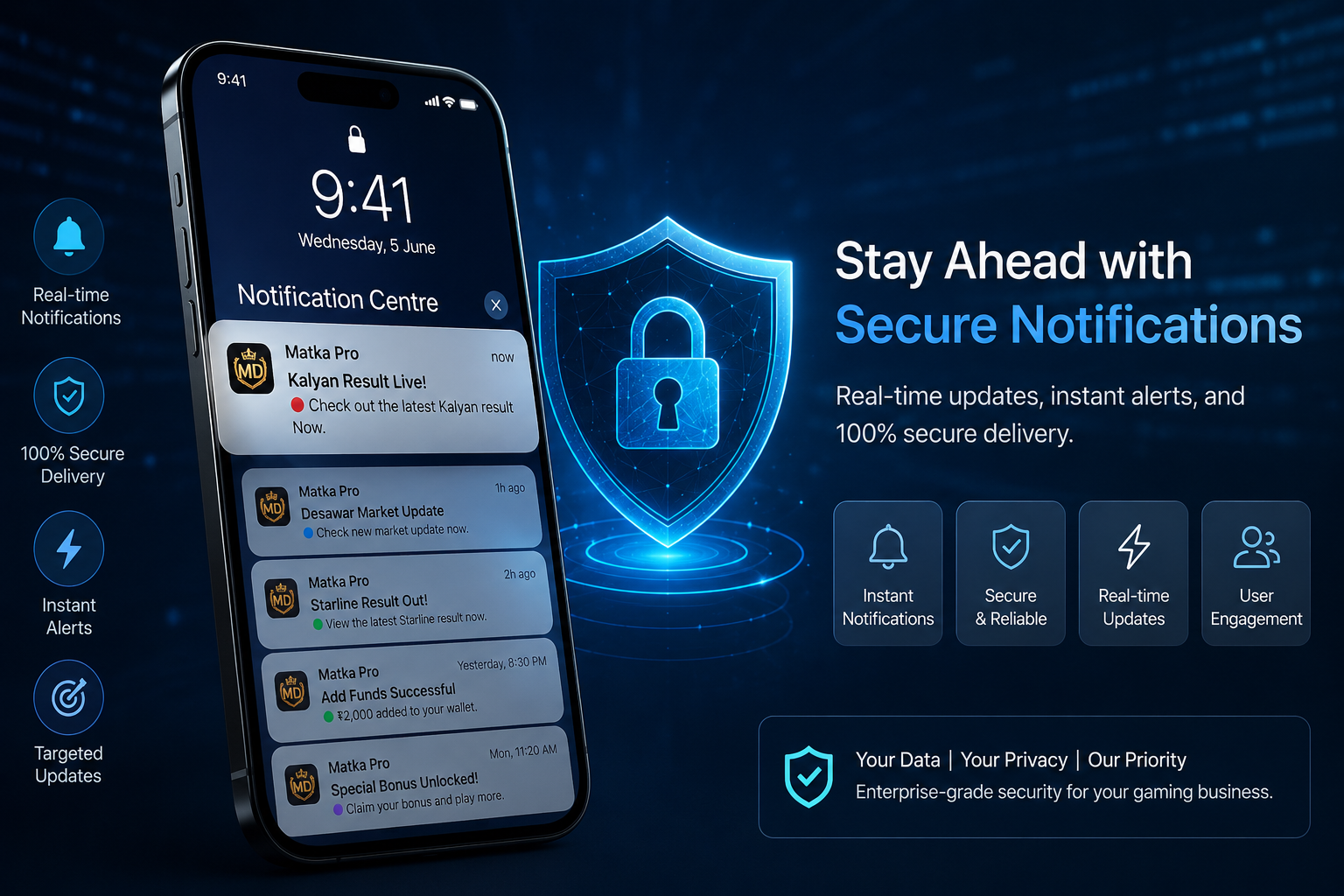
Notifications are now an important part of almost every modern mobile application. From account updates and system messages to security alerts and important activity notifications, users expect information to reach them quickly.
In a gaming application, the notification system becomes even more important because users may need timely updates about their account, application activity, system announcements, maintenance schedules and other important information.
But simply sending notifications is not enough.
A properly designed notification system should also be secure, reliable and controlled from the admin side. If notification data is not handled correctly, it can create privacy issues, unwanted messages or even become a security weakness.
This is why developers should treat a secure user notification system as an essential part of modern gaming app development rather than just another small feature.
What Is a Secure User Notification System?
A secure user notification system is a software component that allows an application to send important messages and alerts to its users while protecting user data and controlling who can send or receive those messages.
A complete notification system can include:
- Push notifications
- In-app notifications
- System announcements
- Account-related alerts
- Security notifications
- Promotional messages where legally permitted
- Maintenance notifications
- Admin-controlled notifications
- Notification history
- Read/unread status
- User notification preferences
The main objective is simple: deliver the right information to the right user without exposing unnecessary data.
For a professional application, notifications should be connected with the application's backend and admin panel so administrators can manage communication without directly accessing sensitive user information.
Why Notification Security Matters
Many businesses focus heavily on login security, payment security and database protection but sometimes overlook notification security.
This can be a mistake.
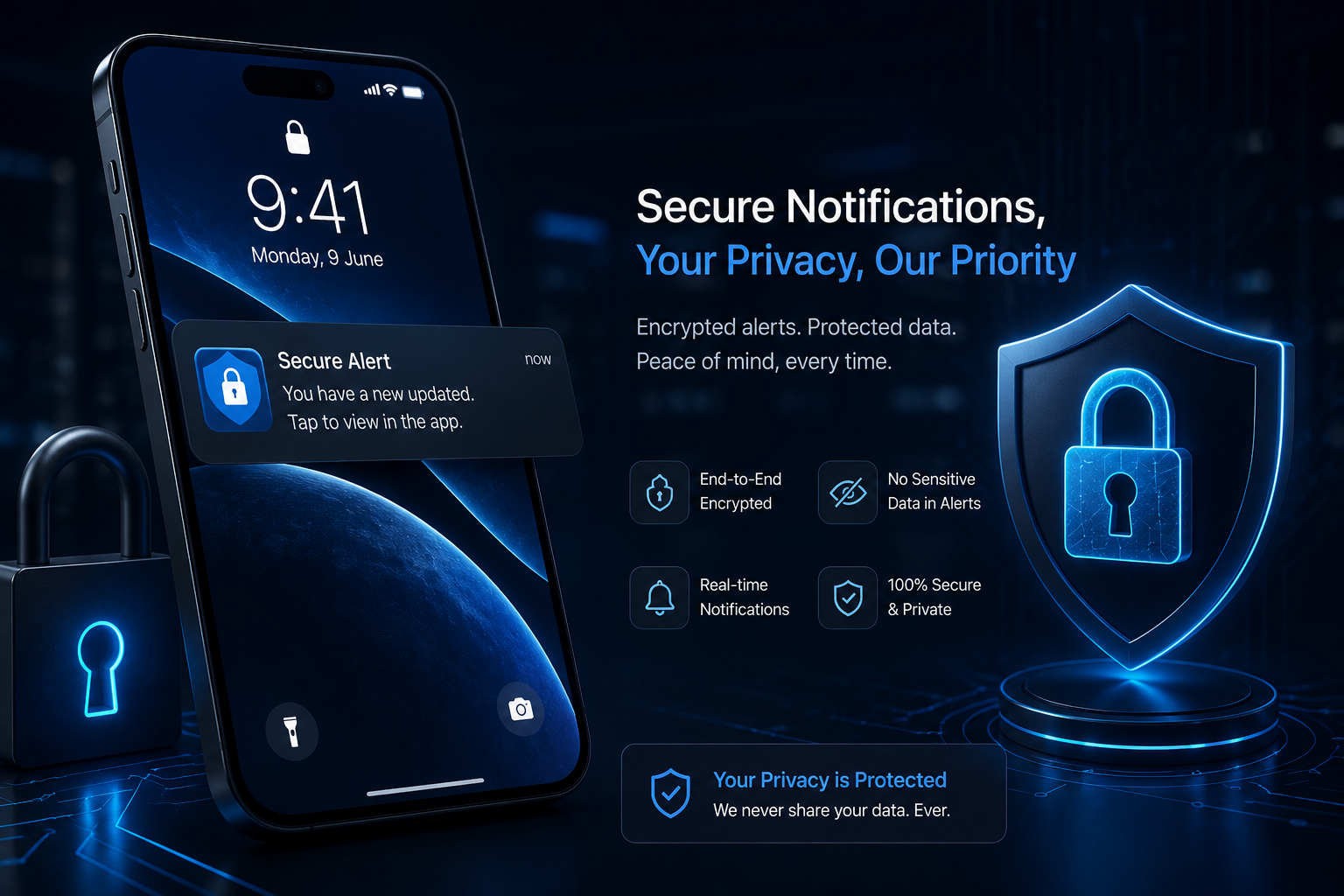
A notification may contain information about a user's account, transaction, activity or application status. If sensitive information is included in a notification without proper protection, it could potentially be viewed by someone other than the intended user.
For example, displaying complete transaction information, private account details or sensitive identifiers directly inside a phone notification may create unnecessary privacy risks.
A better approach is to send only the information that is actually required.
For example:
Less secure approach:
"Your account ending in 4587 received a transaction of ₹25,000."
Better approach:
"Your account activity has been updated. Open the app to view details."
This small difference can significantly improve privacy.
Key Features of a Secure Notification System
A well-designed notification system can contain several important features.
1. Admin-Controlled Notifications
The admin panel should allow authorized administrators to create and manage notifications.
A Laravel-based admin panel can provide controls for:
- Creating notifications
- Selecting target users
- Scheduling messages
- Sending system announcements
- Managing notification history
- Deleting outdated notifications
- Monitoring delivery status
However, administrative access should be protected with strong authentication and role-based permissions.
Not every administrator needs access to every notification function.
2. Role-Based Access Control
One of the most important security features is role-based access control.
For example, a system might have:
Super Admin → Full notification management
Admin → General notification management
Sub Admin → Limited notification permissions
This reduces the possibility of unauthorized changes.
If a sub-admin account becomes compromised, limiting its permissions can help reduce the potential damage.
3. Secure API Communication
Mobile applications commonly communicate with their backend through APIs.
Notification-related API requests should use secure communication protocols such as HTTPS.
The backend should also validate requests before processing them.
Important practices include:
- HTTPS communication
- Authentication tokens
- Request validation
- Rate limiting
- Permission checks
- Input sanitization
- Proper API error handling
Security should be implemented on the server side rather than trusting the mobile application alone.
4. Protect Sensitive Notification Data
A notification system should follow the principle of minimum necessary information.
This means that notifications should contain only the information required by the user.
Avoid unnecessarily exposing:
- Passwords
- Authentication tokens
- Full payment details
- Private identifiers
- Internal database information
- API credentials
- Administrative information
Instead, sensitive information can be displayed after the user securely opens the application.
This approach provides a better balance between convenience and privacy.
5. Real-Time Notifications
Real-time notifications can improve the overall user experience.
For example, an application may need to notify users when:
- An important system update is available
- Scheduled maintenance is starting
- An account-related action requires attention
- A security event has occurred
- A service interruption has been resolved
Real-time communication can be implemented using appropriate push notification services and backend APIs.
However, speed should never come at the cost of security.
The notification infrastructure should still validate users, control permissions and protect sensitive information.
6. Notification History
A useful notification system should maintain notification history.
Users can benefit from seeing previous notifications inside the application rather than relying only on their phone's notification panel.
A notification history screen can include:
- Notification title
- Message
- Date and time
- Read/unread status
- Notification category
- Related application section
This also makes communication more organised and easier to manage.
7. User Notification Preferences
Different users may prefer different types of notifications.
A modern application can allow users to control certain notification categories.
For example:
Security Alerts: Always enabled
System Updates: Enabled
General Announcements: Optional
Marketing Notifications: Optional where legally applicable
Giving users control over non-essential communications can improve the overall user experience.
Security-critical notifications, however, may need to remain enabled depending on the purpose of the application.
8. Secure Admin Panel for Notification Management
The notification system should not be considered separately from the admin panel.
A secure admin dashboard can provide a central place for managing application communication.
A typical Laravel-based admin panel may include:
- Secure administrator login
- Dashboard
- User management
- Notification management
- System settings
- Role and permission management
- Sub-admin management
- Activity logs
- Notification history
Every administrative action should ideally be logged.
This creates an audit trail that can help identify who performed a particular action and when it happened.
Common Notification Security Mistakes
Developers sometimes make simple mistakes while implementing notification systems.
Sending sensitive information
Avoid putting confidential information directly into push notifications.
No permission checks
An API should never assume that a request is legitimate just because it came from the mobile application.
Weak admin security
Notification management should be protected by strong authentication and appropriate permissions.
No rate limiting
Rate limits can help prevent abuse of notification APIs.
No activity logs
Without logs, investigating unauthorized notification activity can become difficult.
Sending too many notifications
Security is also about user experience. Excessive notifications can make users disable notifications completely.
How a Secure Notification Flow Works
A simple secure notification architecture can work like this:
Admin Creates Message → Backend Validates Request → Permission Check → Notification Service → Target User → Secure Delivery → Notification History
The backend should verify the administrator's permissions before accepting the request.
After that, the notification service can identify the appropriate users and send the message through the selected delivery mechanism.
The application can then record the notification for future reference.
Security Should Be Built Into the App From the Beginning
One important point developers should remember is that notification security should not be added at the very end of development.
It should be considered during the architecture and API planning stage.
When developing a custom gaming application, developers should think about:
- Authentication
- Authorization
- API security
- Database security
- Notification privacy
- Admin permissions
- Activity logging
- Rate limiting
- Secure third-party integrations
- Data protection
This creates a much stronger foundation than simply adding security features after the application has already been completed.
Final Thoughts
A notification system may look like a small feature, but it can have a big impact on both user experience and application security.
A properly developed notification system gives administrators better communication controls while helping users receive important information in a secure and organised way.
For modern gaming applications, notification functionality should ideally be connected with a secure backend, protected APIs and a properly managed admin panel.
Most importantly, developers should avoid exposing sensitive information through notifications and should always follow appropriate security, privacy and applicable legal requirements.
In short, a good notification system should not only be fast—it should also be secure, controlled and privacy-conscious.
Frequently Asked Questions (FAQs)
1. What is a secure user notification system?
A secure user notification system is a feature that allows an application to send important messages, alerts and updates to users while protecting their personal information. It typically includes secure APIs, authentication, admin controls, permissions and notification history.
2. Why are secure notifications important in gaming apps?
Secure notifications help users receive important application updates without unnecessarily exposing sensitive information. They also allow administrators to communicate with users in a controlled and organised way.
3. What types of notifications can a gaming app send?
Depending on the application's functionality, notifications can include system announcements, account alerts, security alerts, maintenance updates, service updates and other relevant application messages.
4. How can notification data be secured?
Notification data can be protected through HTTPS, authenticated APIs, access controls, server-side validation, rate limiting, secure backend architecture and by avoiding sensitive information in notification messages.
5. Can notifications be managed from an admin panel?
Yes. A properly developed admin panel can allow authorised administrators to create, send, schedule and manage notifications. Role-based permissions can also restrict notification access for different admin users.
6. What is real-time notification functionality?
Real-time notification functionality allows important messages to be delivered to users with minimal delay. It is commonly used for system alerts, account updates and other time-sensitive application events.
7. Should sensitive information be included in push notifications?
Generally, sensitive information should not be unnecessarily displayed in push notifications. A safer approach is to send a general alert and require the user to securely open the application to view detailed information.
8. Can users control their notification preferences?
Yes. Applications can provide notification settings that allow users to enable or disable certain non-essential notification categories. Security-related notifications may be treated differently depending on the application's requirements.
Read next on the blog
- Desawar & Starline Game Integration in Custom Matka Software Sep 17, 2026
- Satta Matka App Development & Matka Software Development 2026 Sep 11, 2026
- Automatic Deposit & Withdrawal System for Matka Apps – How It Works Aug 26, 2026
- How to Secure Your Matka Admin Panel from Hackers – 10 Essential Steps Aug 20, 2026
- Cost to Develop a Matka App in India (App + Panel + Website) – 2026 Guide Aug 8, 2026
- How to Create a Matka Admin Panel on Laravel – Step by Step (2026 Guide) Aug 5, 2026