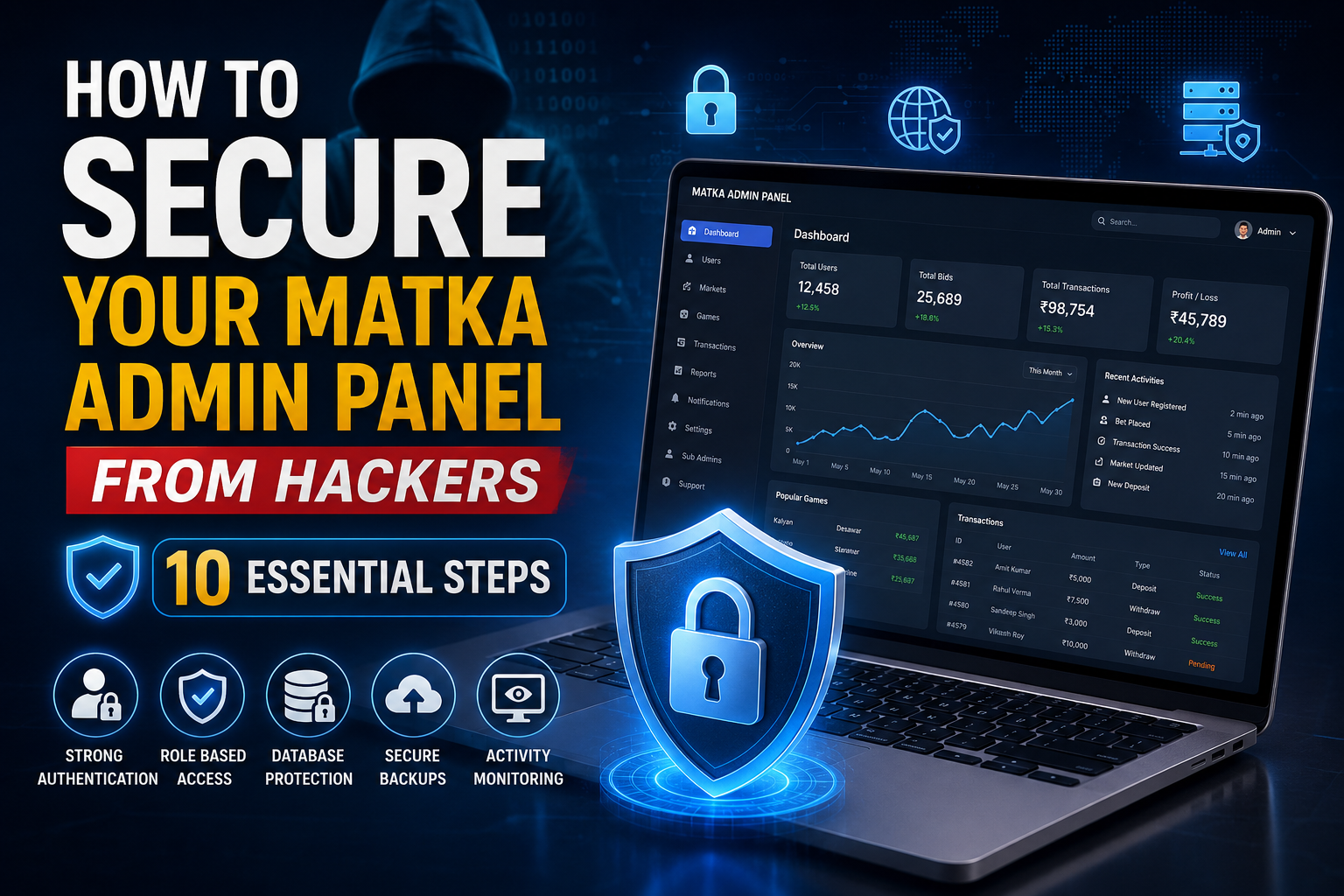
How to Secure Your Matka Admin Panel from Hackers – 10 Steps
A Matka application is not only about the user-facing mobile app or website. The admin panel is one of the most important parts of the entire system because it controls markets, results, users, transactions, notifications, game settings and other important operations.
If an admin panel is not properly secured, attackers may try to access sensitive information, modify settings, create unauthorized users, manipulate data or damage the complete application.
This is why security should be considered from the beginning of Matka app development, rather than adding security only after the software is completed.
In this guide, we will discuss 10 important steps to secure a Matka admin panel from hackers, especially when the admin panel is built using Laravel or a similar modern technology stack.
Why Admin Panel Security Is So Important
Your admin panel can contain highly sensitive business and application data. Depending on the software architecture, it may provide access to:
- User accounts
- Market management
- Game settings
- Result management
- Bid history
- Fund history
- Transaction records
- Notifications
- Profit and loss reports
- Sub-admin accounts
- Website settings
- Payment configuration
- API credentials
- Database information
A compromised admin account can therefore become a serious problem for the entire application.
A secure admin panel should follow multiple layers of protection instead of depending on only a username and password.
1. Use Strong Admin Login Authentication
The first and most basic step is securing the admin login.
Never use simple passwords such as:
admin123
password123
matka123
These passwords are very easy for automated attacks to guess.
Instead, every administrator should use a strong and unique password containing a combination of:
- Uppercase letters
- Lowercase letters
- Numbers
- Special characters
For example, instead of using a simple password, use a long randomly generated password.
You should also implement:
- Password hashing
- Login attempt limitations
- Account lockout or temporary blocking
- Secure password reset
- Session expiration
- Protection against brute-force attacks
If you are developing a Laravel-based Matka admin panel, Laravel's authentication and hashing functionality can be used as part of a secure authentication architecture.
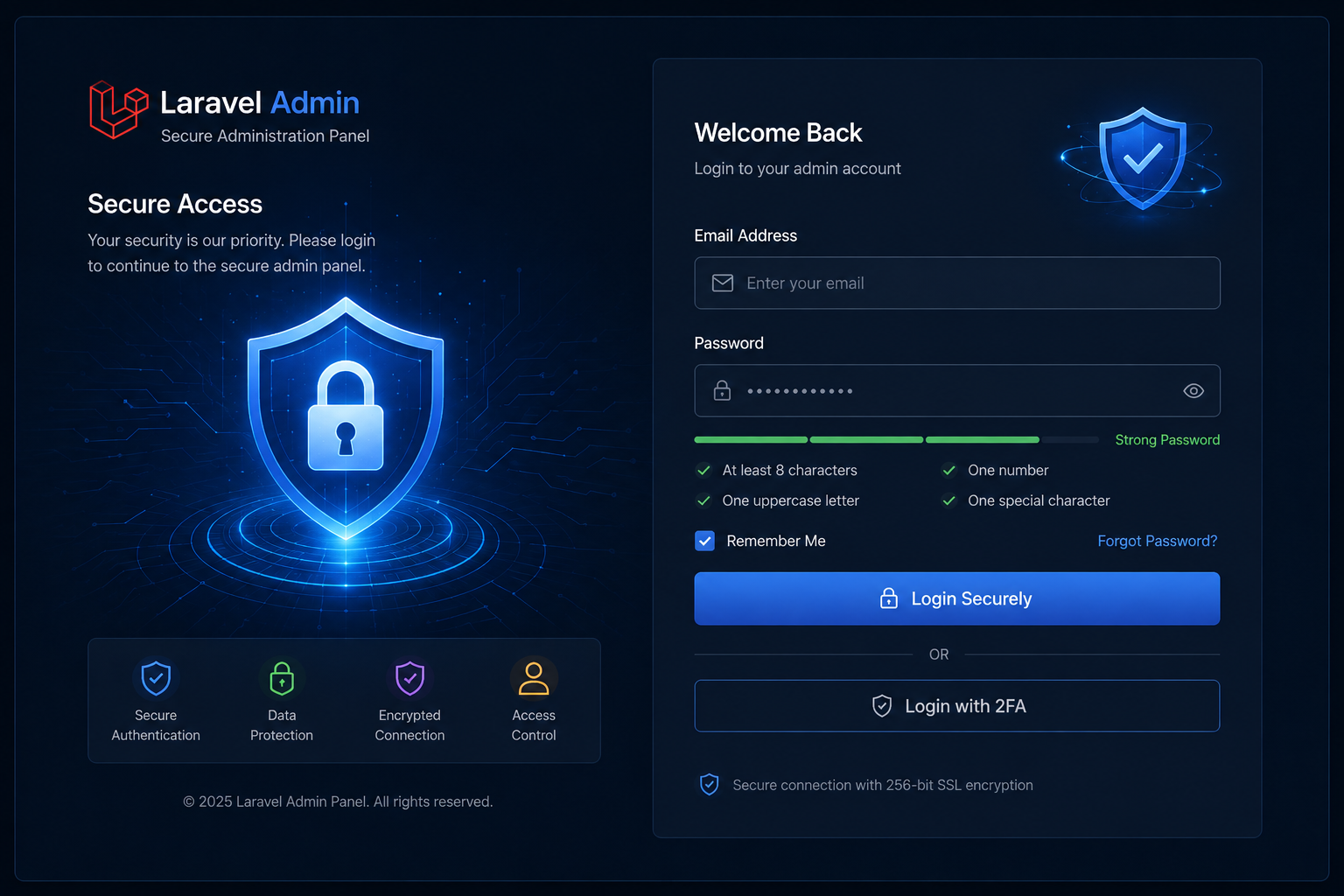
2. Add Two-Factor Authentication (2FA)
A password alone should not be the only protection for your administrator account.
Two-factor authentication adds another security layer. Even if an attacker somehow gets the admin password, they still need the second authentication factor.
For example:
Password → OTP/Authenticator → Admin Dashboard
Depending on your implementation, you can use:
- Authenticator applications
- Time-based one-time passwords (TOTP)
- Email verification
- Other secure second-factor methods
For high-privilege accounts such as the main administrator, 2FA is strongly recommended.
This is one of the simplest upgrades that can significantly improve admin panel security.
3. Use Role-Based Access Control for Admin and Sub-Admin
Not every employee or administrator should have access to everything.
For example, a notification manager does not necessarily need access to:
- Financial reports
- Payment settings
- Database configuration
- Main administrator settings
This is where Role-Based Access Control (RBAC) becomes important.
You can create different roles such as:
| Role | Example Access |
|---|---|
| Super Admin | Full system control |
| Manager | Market and user management |
| Result Manager | Result-related functions |
| Support Staff | Customer support |
| Notification Manager | Push notifications |
| Finance Staff | Transaction/report access |
Each role should only have the permissions required for their work.
This reduces the damage that can happen if a lower-level account is compromised.
4. Protect Your Laravel Application Properly
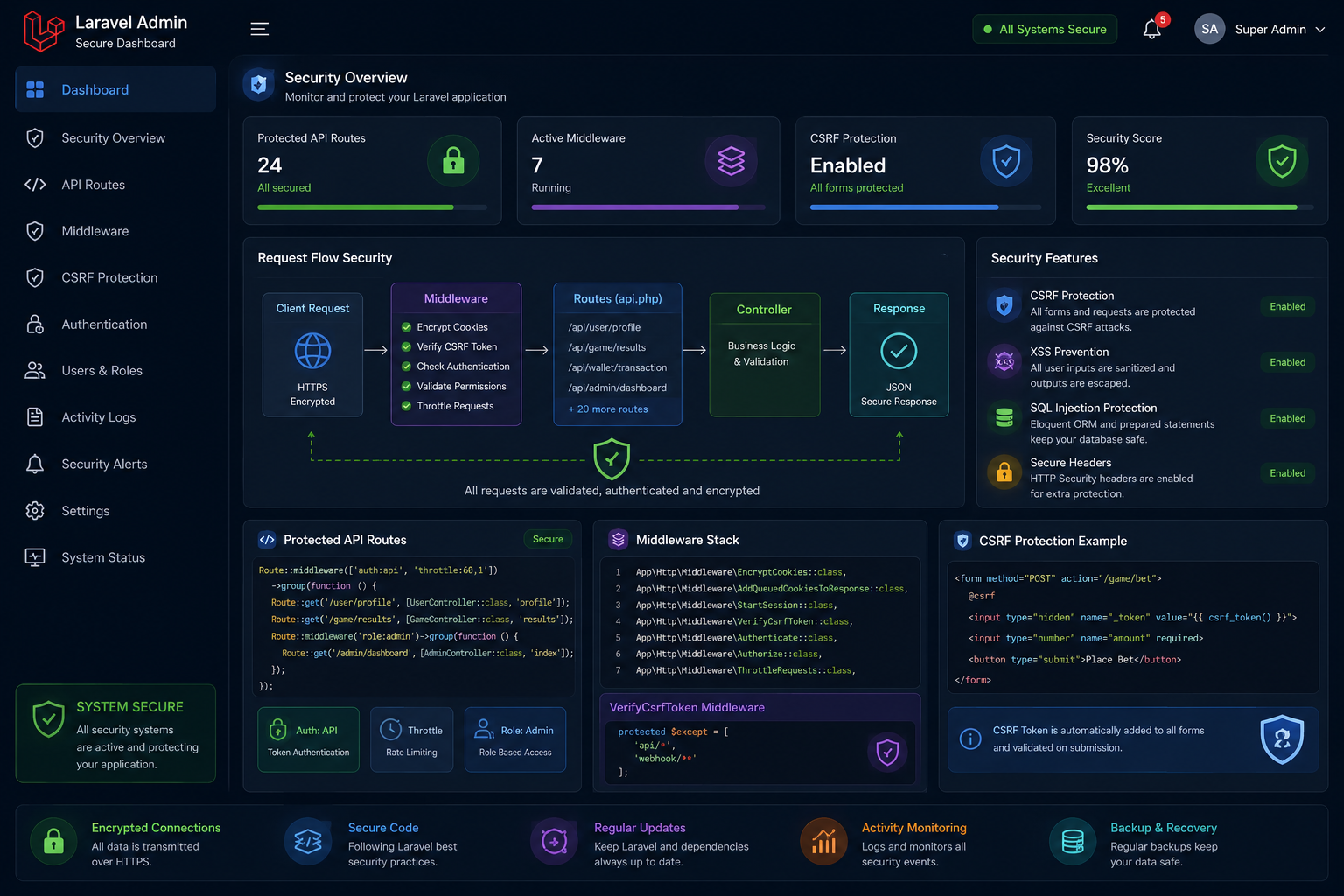
If your Matka admin panel is built with Laravel, the framework already provides many security mechanisms, but they need to be configured and used correctly.
Important Laravel security practices include:
- Keep Laravel updated
- Keep PHP updated
- Keep dependencies updated
- Use CSRF protection
- Validate incoming requests
- Sanitize and validate user input
- Protect sensitive routes with middleware
- Never expose environment configuration
- Use secure session settings
- Avoid displaying detailed errors in production
One common mistake developers make is leaving development configurations enabled on a live server.
For example, detailed Laravel error messages should never be publicly exposed in a production environment, because they can reveal information about your application's internal structure.
5. Secure Your Database
Your database is another major target for attackers.
It may contain information related to users, transactions, game data, results and application settings.
Use secure database practices such as:
- Strong database credentials
- Separate database users where practical
- Least-privilege database permissions
- Parameterized queries / ORM
- Regular security updates
- Database backups
- Restricted database network access
- Encryption for sensitive information where appropriate
Avoid putting database credentials directly inside source code.
For Laravel applications, sensitive configuration should be handled through environment configuration and proper server-level secret management.
Also make sure that database ports are not unnecessarily exposed to the public internet.
6. Use HTTPS and Secure Your Server
Your admin panel should always use HTTPS.
Without proper HTTPS configuration, information transferred between the administrator's browser and server may be exposed to interception.
A production admin panel should have:
HTTPS + Secure Cookies + Firewall + Updated Server + Restricted Ports
Server security is just as important as application security.
You should also consider:
- Firewall configuration
- SSH key authentication
- Disabling unnecessary services
- Restricting SSH access
- Keeping the operating system updated
- Monitoring server login attempts
- Using a reputable hosting environment
If possible, administrative access can also be restricted by IP or VPN depending on your business requirements.
7. Hide and Protect the Admin Login Endpoint
Using a predictable admin URL can make automated scanning easier.
For example, if every website uses:
/admin
attackers can easily scan for that common endpoint.
Changing the administrative route is not a replacement for authentication or authorization, but it can reduce unwanted automated traffic when combined with proper security controls.
More importantly, protect the admin routes using:
- Authentication middleware
- Authorization middleware
- Rate limiting
- 2FA
- Secure sessions
- Monitoring and logging
Don't depend on a hidden URL as your main security method. Security through obscurity alone is not enough.
8. Enable Rate Limiting and Brute-Force Protection
Hackers often use automated tools to repeatedly try usernames and passwords.
For example, an attacker may send hundreds or thousands of login attempts to your admin login page.
Rate limiting can restrict the number of requests allowed from an IP address or account within a certain period.
You can apply rate limiting to:
- Admin login
- Password reset
- OTP verification
- API endpoints
- Sensitive admin actions
For example:
Too many failed attempts → Temporary restriction → Security log generated
This makes automated brute-force attacks much harder.
Laravel provides mechanisms for request throttling and rate limiting that can be incorporated into your application architecture.
9. Keep Activity Logs and Monitor Suspicious Actions
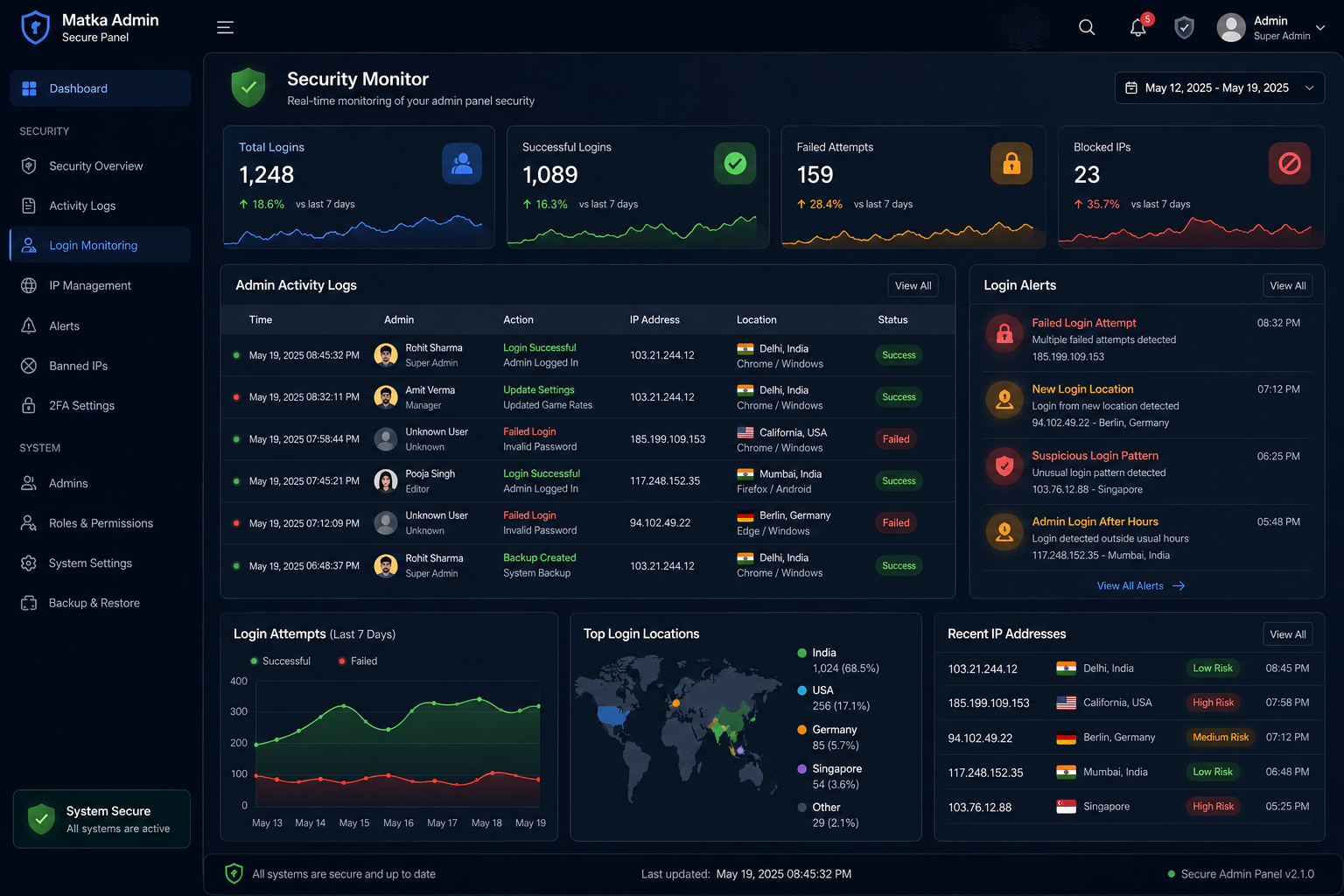
Security is not only about preventing attacks. You should also know what happened when something unusual occurs.
A professional admin panel should maintain activity logs for important actions.
For example:
- Admin login
- Failed login
- Password change
- User creation
- User deletion
- Market changes
- Result updates
- Settings changes
- Payment configuration changes
- Sub-admin creation
- Permission changes
You can record information such as:
Admin → Action → Date/Time → IP → Result
This makes it much easier to investigate suspicious activity.
For example, if an important setting changes at 3:00 AM from an unfamiliar IP address, your team should be able to identify which account performed the action.
10. Take Regular Backups and Have a Recovery Plan
Even with strong security, no system should assume that an incident will never happen.
Regular backups can help you recover if:
- The server is compromised
- Data is accidentally deleted
- A software update causes problems
- Database corruption occurs
- Files are damaged
- A security incident affects the application
A good backup strategy should include:
Database Backup + Application Backup + Off-Site Backup + Recovery Testing
Do not simply create backups and forget about them.
Test whether the backup can actually be restored.
A backup that cannot be restored when needed is not much help.
For important applications, you should also define how quickly the system needs to be recovered after an incident.
Bonus: Don't Forget API Security
Modern Matka applications often communicate between the mobile app, website, admin panel and backend APIs.
This means API security is also extremely important.
Your APIs should use proper:
- Authentication
- Authorization
- Rate limiting
- Input validation
- Request validation
- Secure tokens
- HTTPS
- Error handling
Never expose private API keys, database credentials or other sensitive secrets inside a mobile application's publicly accessible code.
Also avoid returning unnecessary database information through API responses.
Only return the data that the application actually needs.
Common Security Mistakes to Avoid
Even well-designed software can become vulnerable because of small mistakes.
Here are some common problems developers should avoid:
❌ Using weak admin passwords
Simple passwords make brute-force attacks easier.
❌ Giving every employee full admin access
Use roles and permissions instead.
❌ Leaving debug mode enabled
Production applications should not expose detailed technical errors.
❌ Ignoring software updates
Old Laravel, PHP, server packages or third-party dependencies can contain known vulnerabilities.
❌ No activity logs
Without logs, investigating suspicious activity becomes much harder.
❌ No backup
A security incident can become much more serious when there is no reliable recovery plan.
❌ Exposing sensitive API keys
Secrets should never be hardcoded into publicly accessible frontend or mobile application code.
❌ Depending only on a hidden admin URL
Changing /admin to another URL does not secure an application by itself.
Matka Admin Panel Security Checklist
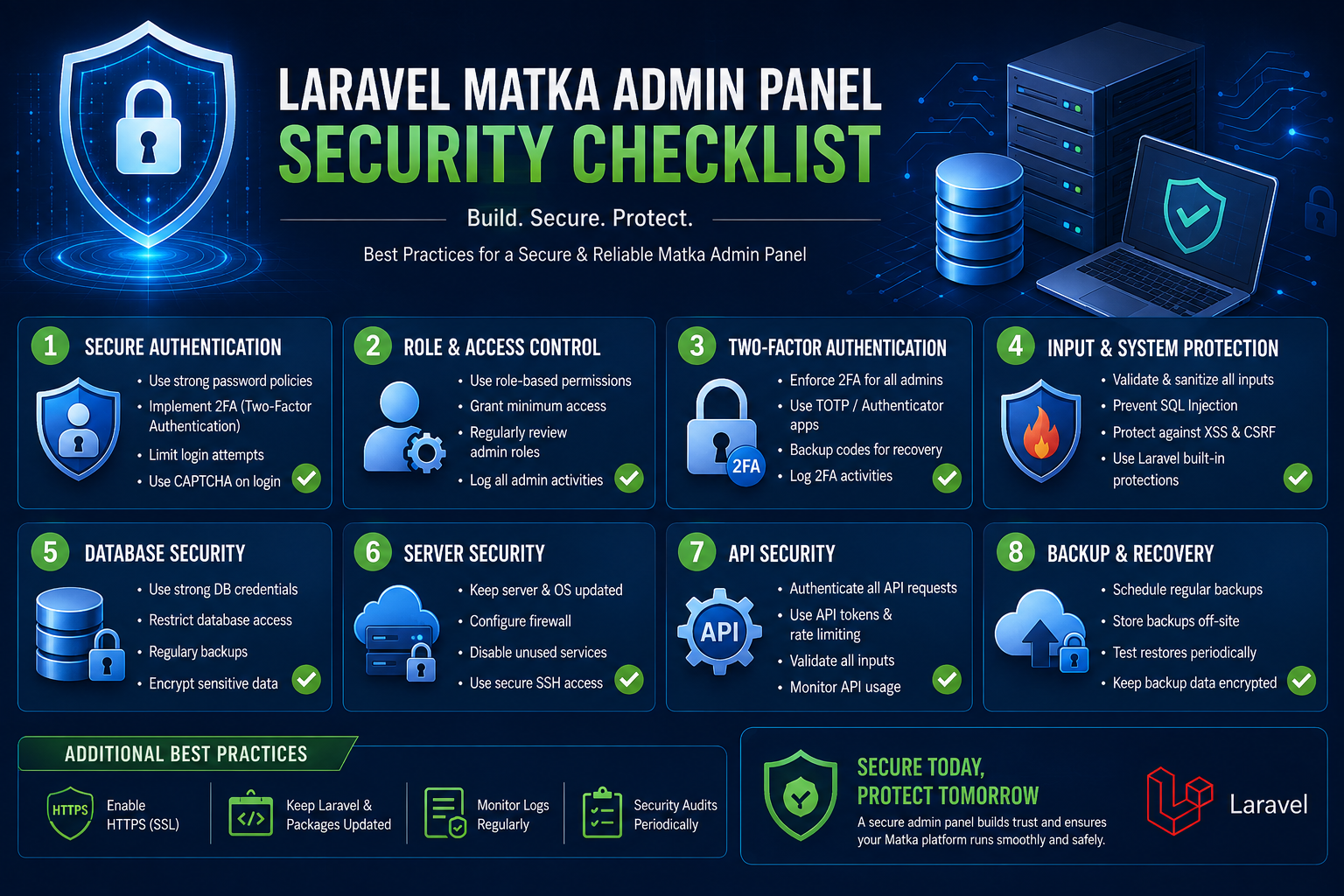
Before launching your Matka software, use this simple checklist:
| Security Feature | Recommended |
|---|---|
| Strong admin password | ✅ |
| Password hashing | ✅ |
| 2FA | ✅ |
| Role-based permissions | ✅ |
| HTTPS/SSL | ✅ |
| CSRF protection | ✅ |
| Input validation | ✅ |
| Rate limiting | ✅ |
| Secure Laravel configuration | ✅ |
| Updated PHP & Laravel | ✅ |
| Database protection | ✅ |
| Server firewall | ✅ |
| Activity logging | ✅ |
| Regular backups | ✅ |
| API authentication | ✅ |
| Secure session management | ✅ |
| Production error handling | ✅ |
| Security monitoring | ✅ |
How Matka Development Builds Secure Matka Software
At Matka Development, we understand that an admin panel is the control center of your complete application.
Our Matka software development solutions can include a complete setup with:
- Matka Mobile App
- Secure Admin Panel
- Matka Web Application
- SEO-friendly website
- Domain setup
- Market management
- Kalyan, Desawar and Starline game modules
- Live result system
- Game result history
- Bid history
- Funds history
- Transaction history
- User notifications
- Invite & Earn functionality
- Game rates
- Notice board
- Support system
- Payment integration
- Profit & loss dashboard
- Sub-admin management
- App settings
- Notification management
- Laravel-based admin panel
- Other custom features according to business requirements
The exact features, architecture and security controls can be customized according to the project requirements.


Why Choose a Secure Matka Admin Panel?
A professional admin panel should not only look good. It should provide control, reliability and security.
With proper security implementation, you can reduce the risk of unauthorized access and make your software easier to manage.
Security also needs to be maintained continuously. Updating the application, reviewing permissions, monitoring logs and testing backups should be part of your regular maintenance process.
Frequently Asked Questions
1. How can I secure my Matka admin panel?
Start with strong authentication, 2FA, role-based permissions, HTTPS, rate limiting, secure Laravel configuration, database protection, server security, activity logging and regular backups.
2. Is Laravel secure for a Matka admin panel?
Laravel provides many built-in security features, including protections for common web application risks. However, the overall security still depends on how the application, server, dependencies and authentication system are configured.
3. Should I use 2FA for my admin panel?
Yes. Two-factor authentication provides an additional security layer and is especially useful for high-privilege administrator accounts.
4. How do I protect my admin panel from brute-force attacks?
Use strong passwords, rate limiting, login attempt controls, 2FA and monitoring for repeated failed login attempts.
5. Why are admin roles important?
Different employees should have different permissions. Role-based access control limits what each account can access and reduces the potential impact if an account is compromised.
6. How often should I backup my Matka software database?
The right frequency depends on how frequently your data changes and how much data you can afford to lose. Applications with frequent transactions generally need more frequent backups than low-activity systems.
7. Is changing the admin URL enough to secure an admin panel?
No. Changing the URL can reduce automated scanning, but it should never be considered a primary security control. Authentication, authorization, rate limiting and other security measures are still required.
8. Can a Matka admin panel be customized?
Yes. A custom admin panel can be designed according to the application's requirements, including market management, result management, users, reports, notifications, permissions and other modules.
9. What technology can be used to build a secure admin panel?
Laravel with a properly configured PHP/server environment is one possible technology stack. The security of the final application depends on the complete implementation, not just the framework.
10. Why is admin panel security important for Matka software?
The admin panel controls important application operations and data. Protecting it helps reduce the risk of unauthorized access, data modification and disruption to the overall system.
Final Thoughts
Admin panel security should never be treated as an optional feature.
A secure Matka application requires protection at multiple levels — admin login, user permissions, Laravel application, API, database, server and backup infrastructure.
The most important thing is not to rely on one security feature. A strong system uses multiple layers so that if one protection fails, other controls can still reduce the impact.
If you are planning to build a custom Matka app, Matka web application or secure Matka admin panel, choosing the right development architecture from the beginning can save a lot of problems later.
Matka Development provides custom Matka app and software development solutions with mobile app, admin panel and SEO-friendly web solutions based on project requirements.
Read next on the blog
- Desawar & Starline Game Integration in Custom Matka Software Sep 17, 2026
- Satta Matka App Development & Matka Software Development 2026 Sep 11, 2026
- Secure User Notification System in Gaming Apps – Why It Matters Sep 5, 2026
- Automatic Deposit & Withdrawal System for Matka Apps – How It Works Aug 26, 2026
- Cost to Develop a Matka App in India (App + Panel + Website) – 2026 Guide Aug 8, 2026
- How to Create a Matka Admin Panel on Laravel – Step by Step (2026 Guide) Aug 5, 2026