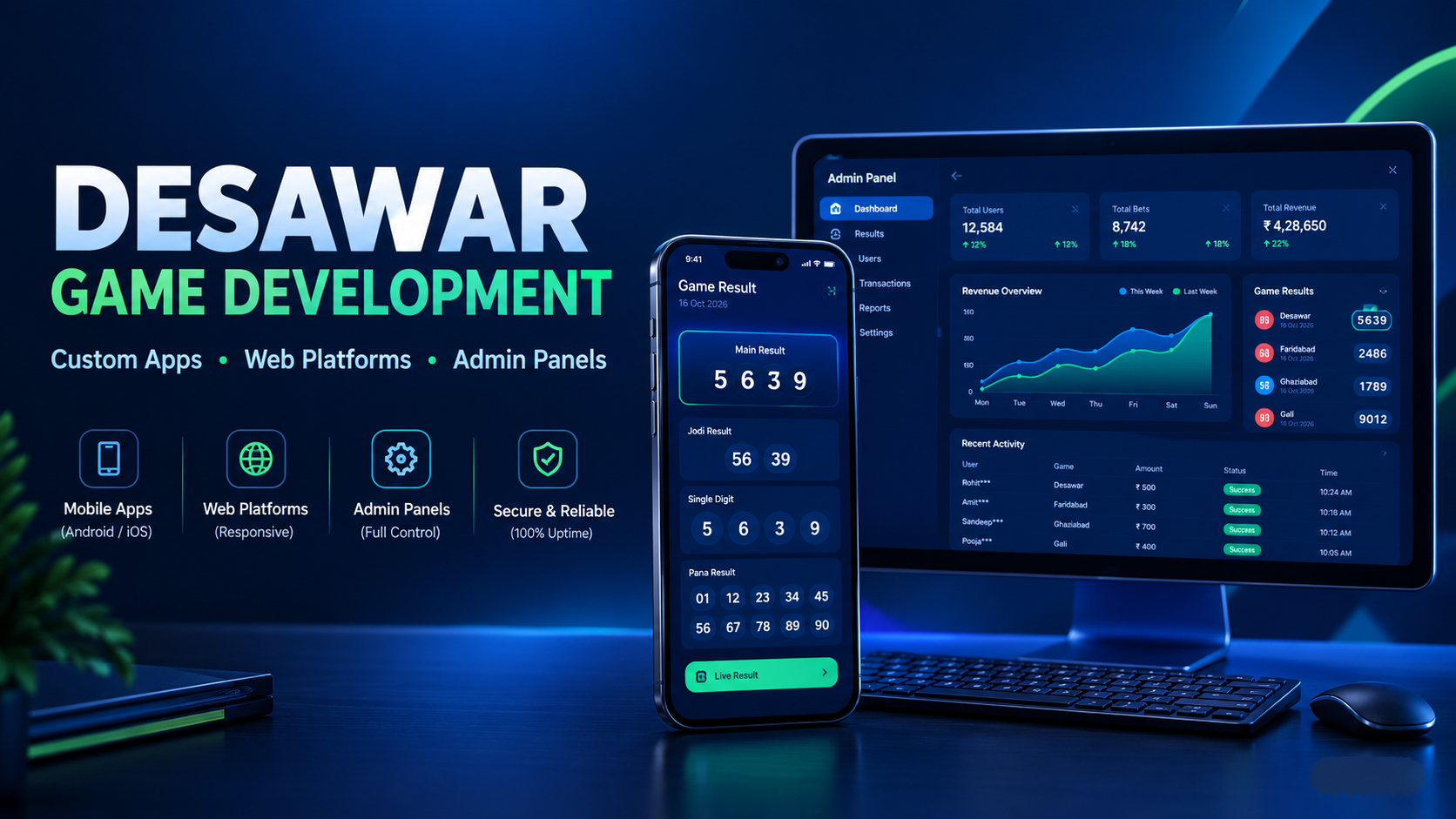
How to Create a Matka Admin Panel on Laravel – Step by Step (2026 Guide)
Managing a modern Matka application isn't just about showing game results. Behind every successful platform there is a powerful admin panel that controls users, markets, payments, reports, notifications, security, and much more.
If you're planning to build a professional Matka platform, choosing Laravel for your admin panel is one of the best decisions you can make. Laravel provides excellent security, clean code architecture, scalability, and faster development compared to traditional PHP development.
In this guide, we'll explain how to create a Matka Admin Panel on Laravel step by step, what modules you should include, database planning, security features, and the development process followed by professional software companies.
Whether you're a startup, developer, or business owner, this article will help you understand how a complete Laravel-based admin system works.
Why Choose Laravel for a Matka Admin Panel?
Laravel has become one of the most trusted PHP frameworks because it offers clean architecture, built-in security features, routing, authentication, caching, queue management, API support, and easy maintenance.
Some major benefits include:
- Faster development
- Secure authentication system
- MVC architecture
- Easy database migrations
- API integration support
- Better code organization
- High performance
- Easy future upgrades
Many professional gaming management platforms today are developed using Laravel because it helps developers maintain large applications with thousands of users.
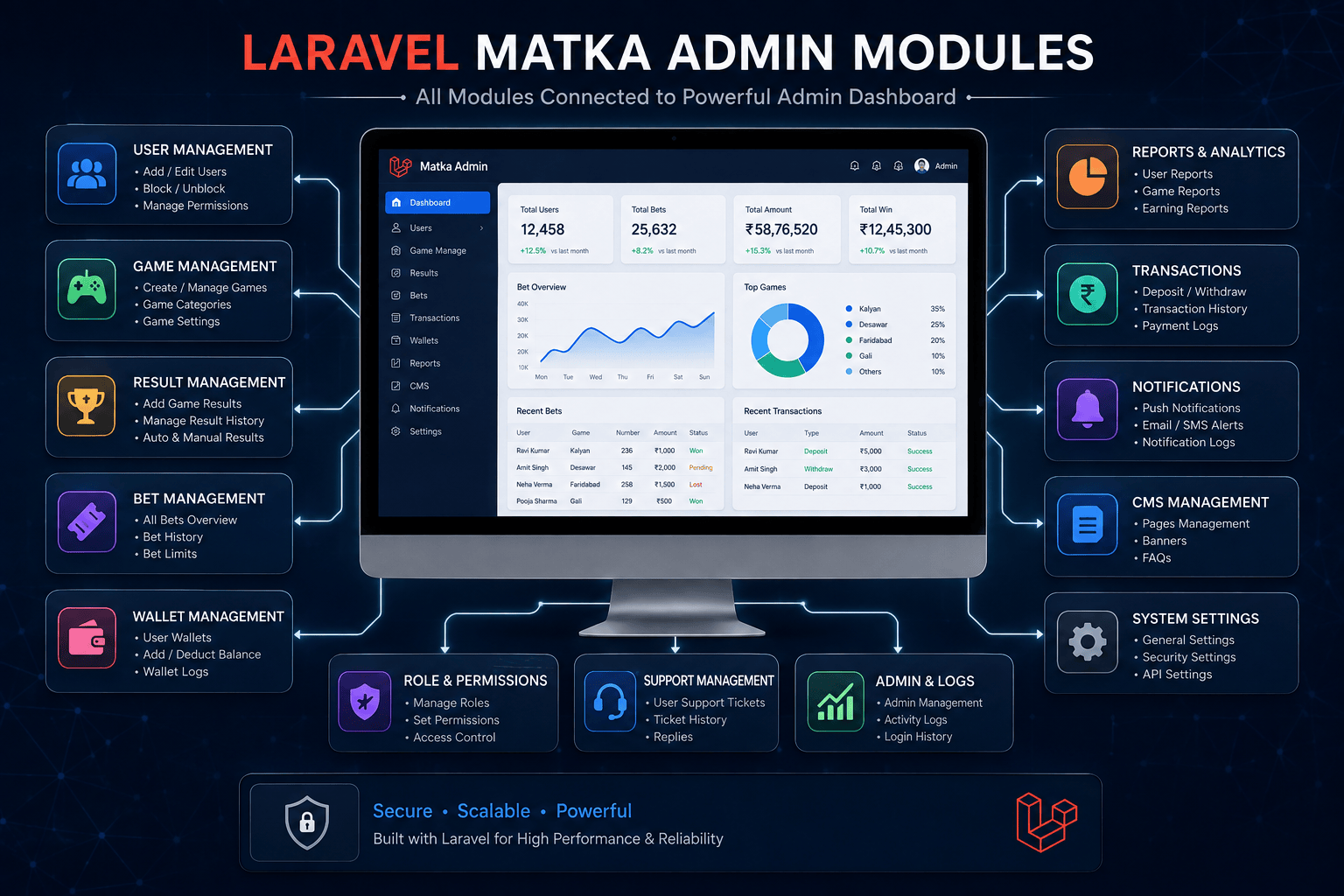
Step 1: Plan Your Admin Panel Modules
Before writing even a single line of code, prepare a complete project structure.
Your admin panel should include:
- Dashboard
- User Management
- Market Management
- Game Result Management
- Bid Management
- Wallet Management
- Deposit Requests
- Withdrawal Requests
- Notifications
- Reports
- Banner Management
- Notice Board
- Settings
- Payment Gateway Settings
- Sub Admin System
- Role Permissions
- API Management
- Backup Management
- Logs
- Security Settings
Planning first actually saves lots of time later. Many beginners skip this step and then they have to rebuild many things again.
Step 2: Install Laravel
Create a fresh Laravel project.
After installation configure:
- Environment variables
- Database connection
- Cache
- Queue
- Storage
- Application key
A proper project structure makes future updates much easier.
Most professional companies also separate:
- Admin
- API
- Website
- Mobile App APIs
This keeps everything clean.
Step 3: Design the Database
A good admin panel starts with a well-designed database.
Example tables:
users markets games game_rates bids transactions wallets wallet_history notifications withdraw_requests deposit_requests admin_users roles permissions settings banner notices logs otp_verifications device_tokens api_logs
Avoid creating one huge table.
Instead, divide data into multiple logical tables.
This improves speed and database maintainability.
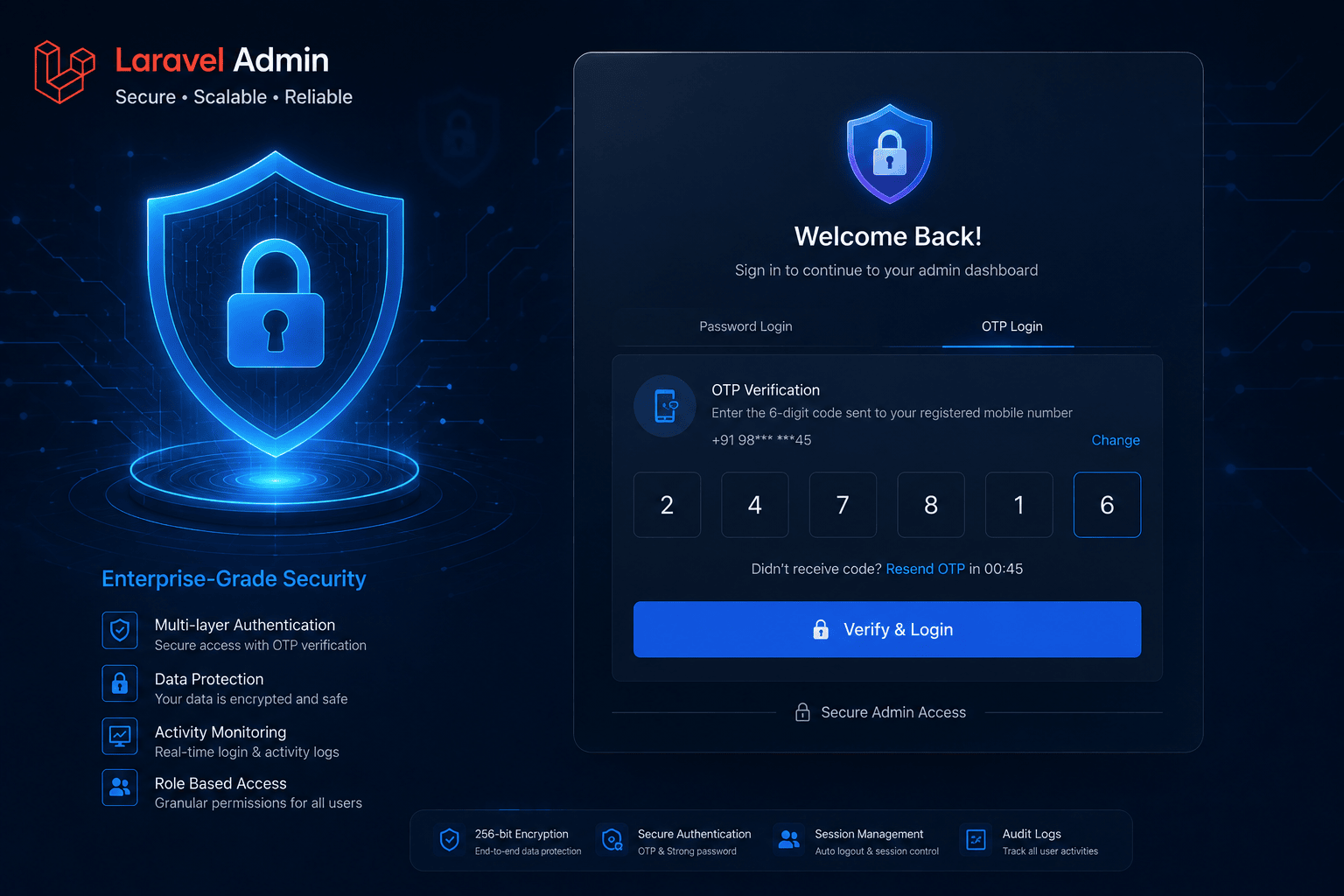
Step 4: Create Secure Admin Authentication
The admin login should never be simple.
Implement:
- Password Hashing
- Two-Factor Authentication (Optional)
- Login Logs
- Device Tracking
- Session Management
- Auto Logout
- IP Restrictions
- Strong Password Rules
- Remember Me
- CSRF Protection
A small mistake in authentication can expose the whole system.
Security should never be ignored.
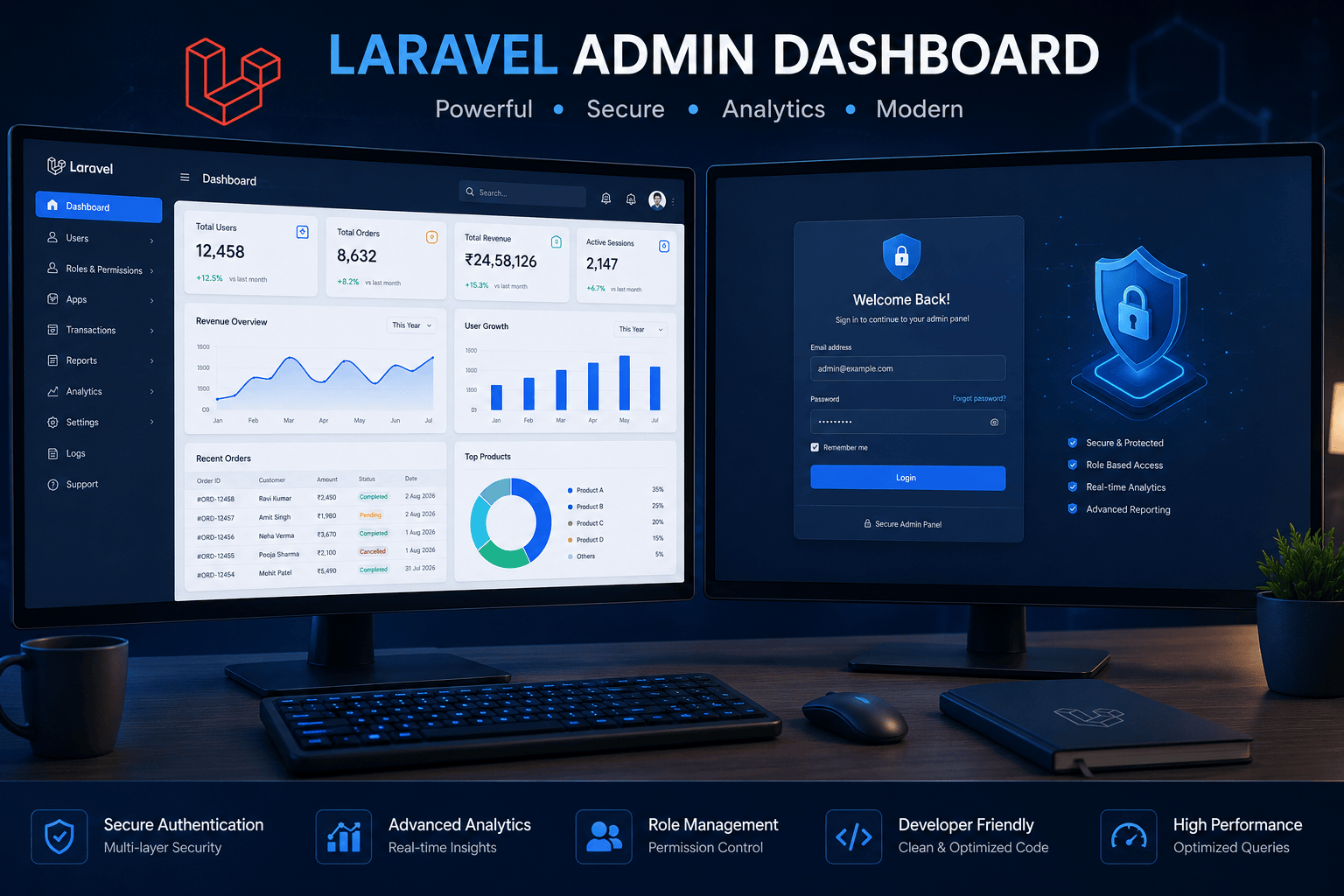
Step 5: Build the Dashboard
The dashboard is the heart of your admin panel.
It should display important business information instantly.
Useful dashboard widgets include:
- Today's Users
- Total Users
- Online Users
- Active Markets
- Total Revenue
- Profit & Loss
- Pending Deposits
- Pending Withdrawals
- Today's Bids
- Wallet Balance
- Recent Transactions
- Recent Notifications
- Server Status
Charts make data much easier to understand.
Use:
- Line Charts
- Pie Charts
- Bar Charts
- Monthly Reports
Keep the dashboard clean instead of filling it with too many boxes.
Step 6: Create User Management
Admin should be able to:
- View users
- Search users
- Block users
- Activate users
- Edit profile
- View wallet
- View transaction history
- Reset password
- Check device information
- View login history
Filters are very useful when user count grows.
Step 7: Market Management
Market management is one of the most important sections.
Admin should be able to:
- Create markets
- Edit markets
- Disable markets
- Change timing
- Set opening time
- Set closing time
- Change game status
- Publish results
- View history
Automation here reduces manual work alot.
Step 8: Payment Management
The wallet system should include:
- Deposit Requests
- Withdrawal Requests
- Wallet Adjustment
- Bonus Management
- Cashback
- Referral Rewards
- Transaction Logs
- Manual Approval
- Automatic Status Updates
Every transaction should generate proper logs.
Never delete transaction history.
Step 9: Notification System
Notifications increase user engagement.
Admin should send:
- Promotional Notifications
- Result Notifications
- Offer Alerts
- Maintenance Updates
- Festival Greetings
- New Feature Updates
Laravel Queue can help send thousands of notifications without slowing the server.
Step 10: Reports & Analytics
Reports help understand business performance.
Useful reports include:
- Daily Report
- Weekly Report
- Monthly Report
- Profit Report
- Loss Report
- User Growth
- Wallet Report
- Transaction Report
- Bid Report
- Market Performance
Export options:
- Excel
- CSV
These reports help in better decision making.
Step 11: Create a Role-Based Permission System
Instead of giving everyone full access, create different roles.
Example:
Super Admin
- Full Control
Manager
- User Management
- Markets
- Reports
Accountant
- Wallet
- Payments
- Transactions
Support Staff
- Tickets
- User Queries
Laravel Gates and Policies make this process much easier.
Step 12: Add Security Features
A professional admin panel must include multiple security layers.
Recommended features:
- CSRF Protection
- XSS Protection
- SQL Injection Protection
- Login Rate Limiting
- Session Expiry
- Activity Logs
- Audit Logs
- OTP Login
- Secure Password Hashing
- HTTPS
- File Validation
- Database Backup
- Error Logging
These small things make a huge difference over time.
Step 13: Optimize Performance
As your platform grows, performance becomes very important.
Optimization tips:
- Cache Queries
- Optimize Images
- Use Redis
- Queue Background Jobs
- Compress Assets
- Lazy Loading
- Pagination
- Database Indexing
- CDN for Static Files
- Enable OPcache
Even a small improvement in loading speed improves user experience.
Step 14: Testing Before Launch
Never launch without testing.
Test:
- Login
- Registration
- User Management
- Notifications
- Reports
- Dashboard
- Payment Flow
- APIs
- Market Timing
- Database
- Mobile Responsiveness
Sometimes developers skip proper testing and later face unexpected bugs. Spending a little more time here is always worth it.
Best Practices for Laravel Admin Panel Development
Follow these practices from the beginning:
- Keep controllers clean
- Use Repository Pattern
- Validate every request
- Use Service Classes
- Schedule backups
- Maintain activity logs
- Follow Laravel naming conventions
- Write reusable code
- Separate APIs from admin
- Update dependencies regularly
Good code is easier to maintain for years.
Common Mistakes Developers Make
Many new developers make these mistakes:
- No role permissions
- Weak passwords
- No activity logs
- Large database tables
- Hardcoded settings
- Poor dashboard layout
- Missing backups
- No validation
- Slow SQL queries
- Unoptimized images
Avoiding these mistakes can save many hours of future development.
Why Businesses Prefer Professional Development Companies
Building an admin panel is not just about coding. It requires planning, testing, UI design, database architecture, security implementation, and long-term maintenance.
Professional development teams generally follow a structured workflow, ensuring the admin panel remains stable, scalable, and easier to update as business requirements grow. A well-designed system also reduces manual work and improves day-to-day operations.
Final Thoughts
Creating a Laravel-based Matka Admin Panel requires careful planning, secure development practices, and a modular architecture. From authentication and user management to reports, notifications, and performance optimization, every component contributes to building a reliable admin system.
If you invest time in creating a clean, secure, and scalable dashboard from the start, future upgrades become much easier. Laravel offers an excellent foundation for building modern admin panels that can handle growing workloads while remaining maintainable.
No software is perfect on day one, and you'll likely improve it over time based on real-world usage and feedback. That's completely normal. Focus on writing clean code, testing thoroughly, and keeping security a priority throughout the development process.
Frequently Asked Questions (FAQs)
Is Laravel good for building a Matka Admin Panel?
Yes. Laravel provides strong security, clean architecture, authentication, routing, caching, queue management, and scalability, making it a solid framework for complex admin applications.
Which database is commonly used with Laravel?
Most Laravel applications use MySQL or MariaDB, though PostgreSQL is also a popular option for larger projects.
Can Laravel support multiple admin roles?
Yes. Laravel supports role-based access control, allowing you to create different permission levels such as Super Admin, Manager, Accountant, and Support Staff.
How can I make my admin panel more secure?
Use hashed passwords, CSRF protection, input validation, rate limiting, HTTPS, activity logs, secure session handling, regular backups, and keep Laravel dependencies updated.
What are the most important modules in a Laravel admin panel?
Typically, the key modules include Dashboard, User Management, Market Management, Wallet & Transactions, Reports, Notifications, Settings, Role Management, and Activity Logs.
Is a responsive admin panel important?
Absolutely. A responsive interface allows administrators to monitor and manage the platform from desktops, tablets, and mobile devices without compromising usability.
Read next on the blog
- Desawar & Starline Game Integration in Custom Matka Software Sep 17, 2026
- Satta Matka App Development & Matka Software Development 2026 Sep 11, 2026
- Secure User Notification System in Gaming Apps – Why It Matters Sep 5, 2026
- Automatic Deposit & Withdrawal System for Matka Apps – How It Works Aug 26, 2026
- How to Secure Your Matka Admin Panel from Hackers – 10 Essential Steps Aug 20, 2026
- Cost to Develop a Matka App in India (App + Panel + Website) – 2026 Guide Aug 8, 2026